7 Brew Birthday Reward: Free Drink, Points & How to Claim It
Quick Answer
- 7 Brew gives a free drink of any size to members of the 7 Brew Rewards program
- Sign up, add your birthday, and the reward appears in the 7 Brew Rewards app
- Valid for your birthday week redeem at the drive-thru window with your app
A birthday always feels better with something free especially when it’s a cold, handcrafted drink from your favorite drive-thru. The 7 Brew Birthday Reward gives 7 Brew Rewards members a free drink of their choice during their birthday week. In 2026, the program runs through a freshly updated platform that makes claiming your birthday treat faster and simpler than ever.
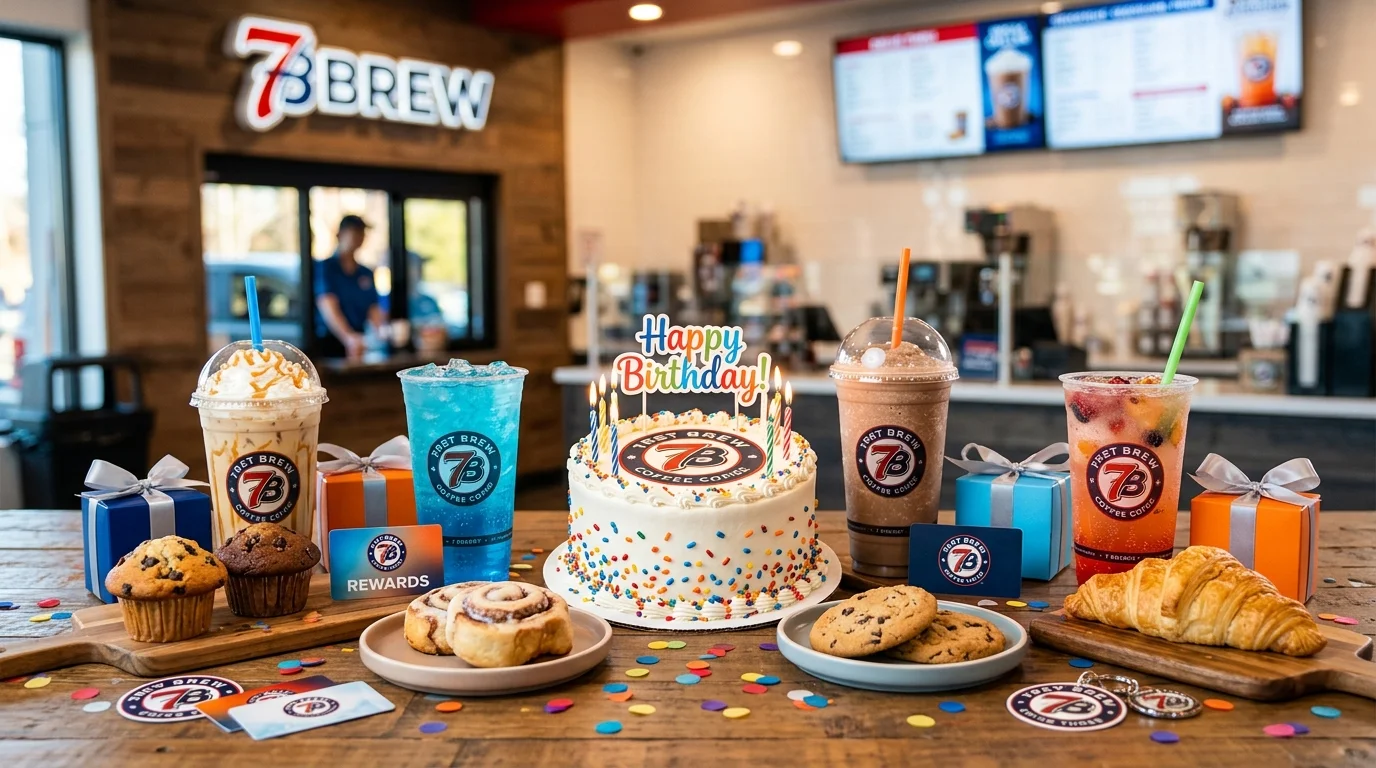
The simple answer is this: you don’t need to do anything special on your birthday. Sign up for 7 Brew Rewards, add your birthday to your profile, and your free drink unlocks automatically when your birthday week arrives.
What Is the 7 Brew Birthday Reward?
The 7 Brew Birthday Reward is a free drink any size that appears in your 7 Brew Rewards account during your birthday week. It’s an app-based perk for registered members, and it activates automatically once your birthday is saved in your profile.
This isn’t a small discount or a single-size restriction. You pick the drink, you pick the size. That birthday treat is yours to enjoy however you want it.
What You Usually Get
- A free drink of any size during your birthday week
- Available for specialty lattes, smoothies, energy fusions, fizzes, and more
- Some accounts also receive bonus loyalty points credited during birthday week
- Exclusive to 7 Brew Rewards app members — not available without a registered account
- Reward is single-use and valid at participating 7 Brew locations
| Feature | Details |
|---|---|
| Birthday Reward | Free drink, any size |
| Program Name | 7 Brew Rewards |
| Delivery Method | 7 Brew Rewards app (push notification) |
| Birthday Window | Your birthday week (7 days) |
| Minimum Purchase | Generally none required |
| Redemption | At the drive-thru window via app |
| Points Structure | 100 points per drink purchased |
| Free Drink Threshold | 1,000 points (every 10 drinks) |
| Points Expiry | 12 months after last order |
Reward availability may vary by location. Always check the 7 Brew app for your specific offer details before heading to the drive-thru.
How the 7 Brew Birthday Reward Works
The birthday reward is fully automatic. Once your birthdate is saved in your 7 Brew Rewards account, the free drink loads into your app at the start of your birthday week. You’ll get a push notification letting you know it’s there assuming notifications are enabled.
Pull up to any participating 7 Brew drive-thru, open the app, and redeem the reward at the window. It’s that fast. No code to type, no email to print.
Delivery Method
- 7 Brew Rewards App: The reward appears directly in your rewards wallet inside the app.
- Push Notification: If you have app notifications on, you’ll get an alert when your birthday reward is ready.
- In-Store / Drive-Thru: You can also mention your birthday reward to the Brewista and provide your phone number they can look up your account.
When It’s Sent
The birthday reward activates during your birthday week the seven days surrounding your birthday. Don’t wait until the last day. Redeem early in the week so you’re not racing against the expiration. The reward expires after 7 days and cannot be reissued once it disappears.
How to Get the 7 Brew Birthday Reward
Setup is fast. The new 7 Brew Rewards platform launched in late 2025 if you haven’t updated or re-enrolled, now is the time.
- Download the 7 Brew Rewards App Get it free from the Apple App Store or Google Play. The app is your complete rewards dashboard there’s no separate website login.
- Create Your 7 Brew Rewards Account Tap “Create Account” and enter your name, email, and phone number. Your phone number links your app account to your in-store purchases.
- Add Your Birthday to Your Profile Go to your account profile and enter your birth date. This step unlocks your birthday reward skip it and the reward never triggers.
- Enable Push Notifications Turn on app notifications so you don’t miss your birthday reward alert. You can also opt into text message offers for extra bonus point deals throughout the year.
- Keep Your Account Active Points expire after 12 months of inactivity. Stay active with at least one purchase per year to keep your balance safe and your birthday reward eligibility intact.
- Head to a Drive-Thru on Your Birthday Week Open the app at the window, select your birthday reward, and show it to the Brewista. One tap and you’re done.
How to Redeem the 7 Brew Birthday Reward
The redemption is built for the drive-thru. Here’s how it works across your options:
In the App (Primary Method) Open the 7 Brew Rewards app, tap your rewards wallet, and select the birthday drink reward. When you reach the drive-thru window, show the reward screen to your Brewista. They’ll apply it directly to your order.
Online / Website There is currently no separate online ordering portal for 7 Brew. The app is the only digital dashboard. You cannot pre-order or redeem rewards through a website checkout.
In-Store / Drive-Thru Without App If you don’t have the app handy, give your phone number to the Brewista. They can look up your account and check for available rewards. Having the app open is faster, but the phone number method works as a backup.
A few things to keep in mind:
- Birthday reward is valid for 7 days only — it expires and cannot be reissued
- Reward is non-transferable and tied to your individual account
- Only valid at participating 7 Brew locations — check the app for nearby stores
- One reward per transaction — you cannot stack birthday rewards with other active offers on the same order
Why You Didn’t Get the 7 Brew Birthday Reward
It happens more than people think. Here are the most common reasons and what to do next.
Common reasons the reward isn’t there:
- Your birthday isn’t saved in your account profile
- You signed up after your birthday week already started
- Push notifications are off so the alert never reached you
- Your account was inactive for 12+ months and points expired
- The reward already expired before you checked
- The app is showing a display error (a known issue during the 2025 platform migration)
Easy fixes:
| Problem | Fix |
|---|---|
| No birthday in profile | Open the app, go to account settings, and add your birth date |
| Signed up too late | Sign up non reward applies starting next birthday |
| No notification received | Enable push alerts in app settings and phone settings |
| Account inactive | Place one order to reactivate your account |
| App showing wrong balance | Wait 48 hours or email info@7brew.com |
| Reward expired | Redeem early in the birthday week; contact 7brew.com support |
Still stuck? Email info@7brew.com or use the contact form at 7brew.com/faq. The Care Team can manually check your account.
Tips to Maximize Your 7 Brew Birthday Reward
The birthday drink is free but a few smart moves make the whole experience even better:
- Use your reward on a large specialty drink. All sizes are eligible. A large handcrafted latte or energy fusion is the highest-value choice.
- Redeem early in your birthday week. The reward expires in 7 days. Don’t risk forgetting go on day one or two.
- Refer a friend during your birthday week. Referrals earn you bonus points on top of your birthday reward. Double win.
- Stack birthday week with double-point promotions. If a bonus event falls in your birthday week, any additional purchases earn at a higher rate.
- Keep notifications on year-round. 7 Brew sends member-only flash deals and seasonal offers via push. Staying plugged in means more free drinks throughout the year.
- Try a secret menu item. Your Brewista knows the secret menu birthday week is the perfect excuse to ask and try something new for free.
Read: Freddy’s Birthday Reward: Free Food
Read: CAVA Birthday Reward: Free Gift
Read: Target Birthday Reward: Discount
Read: Bath & Body Works Birthday Reward
Read: Burger King Birthday Reward: Freebies
Frequently Asked Questions
Conclusion
Download the 7 Brew Rewards app, add your birthday to your profile, and your 7 Brew Birthday Reward will be waiting in your wallet when your special week arrives in 2026. That means a free, ice-cold drink of any size your choice of sweet, bold, or blended all on the house. Redeem it early in the week so it doesn’t slip by, and treat yourself to something from the secret menu. Your birthday should taste exactly this good.