Taco Bell Birthday Reward: Free Food Guide & Code 2026
Quick Answer
- Taco Bell gives a free birthday reward to members of Taco Bell Rewards
- Sign up, add your birthday in the app, and the reward appears in your Rewards tab
- Valid for 14 days redeem via the Taco Bell app for in-store or drive-thru only
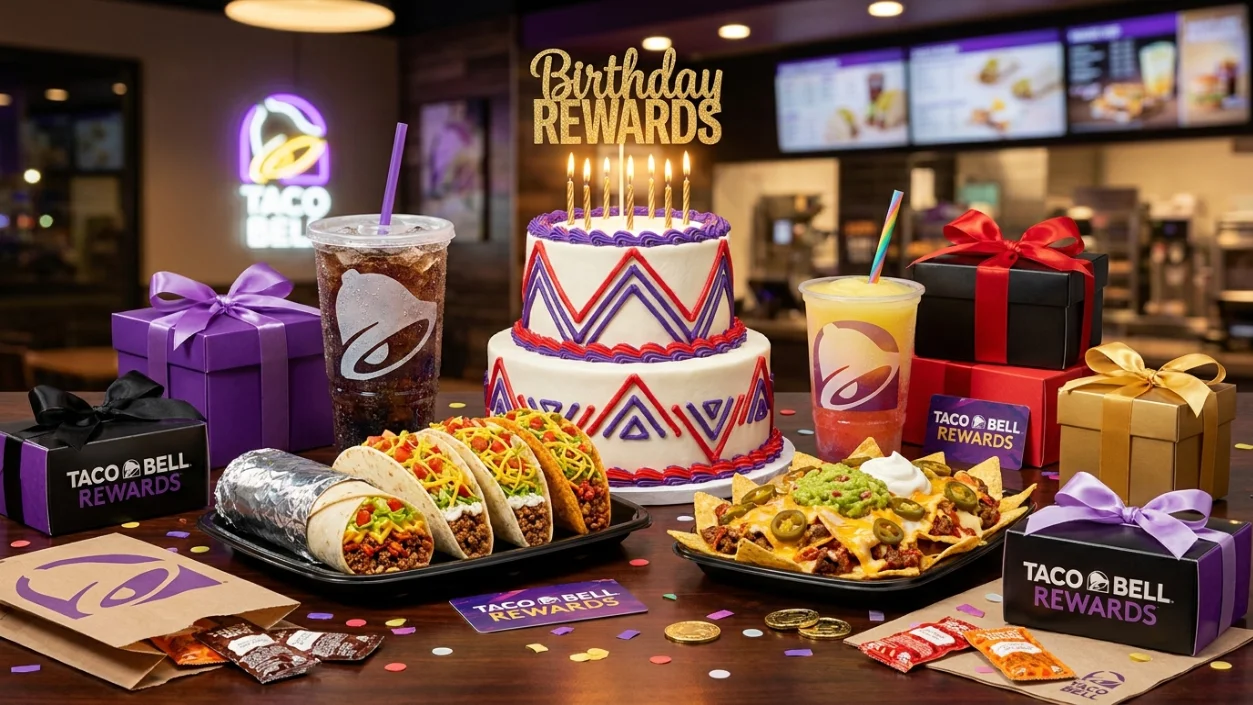
A birthday always feels better with something free especially when that something is Taco Bell. The Taco Bell Birthday Reward 2026 gives every active member of Taco Bell Rewards a free birthday gift loaded directly into the app. No coupon hunting. No emailing customer service. Just a reward waiting in your account during your birthday week.
The catch if you can even call it that is you need to be an active member with at least one order on record before your birthday arrives. Simple enough.
Taco Bell keeps the whole process easy. Download the app, create your account, add your birthday, and your reward appears automatically when the time comes.
What You Get With the Taco Bell Birthday Reward
The birthday reward is a free item chosen by Taco Bell, not by you. For your birthday, you get a free regular Mountain Dew Baja Blast Freeze. The offer is valid for 14 days from issuance and redeemable only via the Taco Bell mobile app for in-store/drive-thru pickup orders. No purchase required.
The specific item can vary by year and promotion, so always check your Rewards tab when your birthday window opens to see exactly what’s waiting for you. Taco Bell occasionally rotates the birthday item, so what you get in 2026 may differ slightly from previous years.
What the Birthday Reward Typically Includes
- Free menu item selected by Taco Bell (e.g., Baja Blast Freeze, taco, or similar item)
- No purchase required to redeem
- Redeemable in-store or drive-thru via the app
- Available to all active Taco Bell Rewards members
| Feature | Details |
|---|---|
| Program Name | Taco Bell Rewards |
| Birthday Reward | Free menu item (chosen by Taco Bell) |
| No Purchase Required | Yes |
| Where It Appears | Rewards tab in the Taco Bell app |
| Valid Period | 14 days from issuance |
| Redemption | Taco Bell app only — in-store or drive-thru |
| Cost to Join | Free |
How the Taco Bell Birthday Reward Works
The reward loads into your Rewards tab around your birthday. The birthday freebie usually appears seven days before your birthday. You will see it under Rewards inside the Taco Bell app. You can redeem it any time during the 14-day validity period.
It may take up to 24 hours for the reward to appear in your account. So if it’s not there the moment you open the app on your birthday, wait a bit. It’s coming.
Pro tip: Enable push notifications in your phone settings for the Taco Bell app. That way you get an alert the moment your birthday reward drops no need to keep manually checking.
How to Qualify for the Taco Bell Birthday Freebie
The good news is the bar is low. Here’s what you need to do:
- Download the Taco Bell app Available free on the Apple App Store and Google Play. Search “Taco Bell” and install the official app. You can also sign up at tacobell.com.
- Create your Taco Bell Rewards account Enter your name, email address, and a password. Rewards members can redeem rewards and earn points in the app, kiosk, or drive-thru.
- Add your birthday to your profile Go to your account settings and enter your date of birth. Your birthday must be in your profile before your birth month starts or you lose that year’s reward. This is the step most people miss.
- Place at least one qualifying order You must complete one purchase before your birthday. This step activates your account. The birthday reward only goes to active app users.
- Wait for your birthday week The reward appears approximately 7 days before your birthday in the Rewards tab.
- Redeem within 14 days Use it before the window closes. The free reward is valid for 14 days from issuance.
How to Redeem Your Taco Bell Birthday Reward
Redemption is app-only. Here’s how it works:
In the App: Open the Taco Bell app and navigate to the Rewards tab. Your birthday item will be listed there. Select it, add it to your order, and complete checkout in the app. The reward applies automatically no extra steps.
Online / Website: You can also order through tacobell.com while logged into your Rewards account. Select the birthday reward during checkout to apply it to your order.
In-Store / Drive-Thru: The reward is redeemable only via the Taco Bell mobile app for in-store/drive-thru pickup orders at participating U.S. Taco Bell locations. Show your phone to the cashier or pull up to the drive-thru window with the reward selected in the app.
Important: The birthday reward is not available for delivery orders, unless placed directly on the Taco Bell website or app. Third-party delivery apps like DoorDash and Uber Eats do not apply.
Taco Bell Birthday Reward Code Explained
There’s no traditional coupon code to enter. The Taco Bell birthday reward lives entirely inside your app account. When it’s ready, it appears automatically in your Rewards tab no code hunting, no clipping coupons, no entering strings of numbers at checkout.
No product or ingredient substitutions, upgrades, or add-ons are available. The reward is non-transferable and cannot be combined with any other offer. Keep it simple: select the reward, place your order, and enjoy.
How Long Does the Taco Bell Birthday Reward Last?
Exactly 14 days from the date it loads to your account. The birthday freebie expires fast. Don’t assume you have months the window is tight.
Your reward typically loads about 7 days before your birthday and expires 7 days after. So the clock starts ticking before your birthday even arrives. Redeem it in the first few days of your birthday week rather than waiting.
Important Rules You Must Know
Before you drive through, keep these in mind:
- One birthday reward per account per year no exceptions
- Must be an active member with at least one completed qualifying order on record
- No product or ingredient substitutions, upgrades, or add-ons allowed
- Reward is non-transferable and cannot be combined with any other offer
- Available at participating U.S. Taco Bell locations only not all locations may be included
- Delivery orders do not qualify unless placed through the official Taco Bell app or website
Troubleshooting: What to Do If You Didn’t Get Your Reward
Missed it? Here’s how to troubleshoot:
| Problem | Fix |
|---|---|
| No birthday saved in profile | Add your birthday in account settings immediately for next year |
| No previous order on account | Make one qualifying purchase before next birthday |
| Reward not visible in app | Wait up to 24 hours; force-close and reopen the app |
| App out of date | Update to the latest Taco Bell app version |
| Push notifications off | Enable them in your phone settings for the Taco Bell app |
| Reward expired | Plan ahead next year set a calendar reminder for your birthday week |
If you believe your reward should be active but can’t find it, contact Taco Bell customer support through the app’s help section.
Does Taco Bell Offer More Freebies?
Yes and they’re worth knowing about. Members celebrate every 250 points with a free reward and aim for 2,000 points to reach coveted Fire! Tier status.
Fire! Tier members gain access to exclusive perks, events, giveaways, and early access to new food. Plus, Rewards members get first dibs on new product and food launches that’s a genuinely exciting perk for Taco Bell fans.
Tuesday Drops are another standout benefit. Every Tuesday, Taco Bell sends exclusive offers to Rewards members free items, discounted meals, and limited-time surprises. Keep notifications on so you never miss one.
Tips to Make Sure You Never Miss the Birthday Freebie
A bit of preparation goes a long way:
- Add your birthday to your profile the day you sign up. Don’t wait if your birth month starts before your birthday is saved, you lose that year’s reward.
- Make your first qualifying order early. Your account needs at least one completed purchase to unlock birthday eligibility. Don’t wait until your birthday week to place that first order.
- Turn on push notifications. Without push notifications on, you miss every Tuesday Drop and bonus point event the program sends out. Same goes for your birthday reward alert.
- Check the Rewards tab specifically not the home screen. Your birthday freebie lives in Rewards, and that’s where you need to look.
- Screenshot your reward before you drive through. App connectivity in the drive-thru can be spotty. A screenshot of your active reward prevents any confusion at the window.
- Redeem on day one of your birthday week. You have 14 days use the first few so you’re not scrambling at the end.
More Birthday Rewards You Will Love
Taco Bell is just the start. Stack more birthday freebies throughout your birthday week with these programs.
Explore our Cheesecake Factory Birthday Reward guide to claim a free slice of cheesecake with any purchase through Cheesecake Rewards.
Check out our Subway Birthday Reward guide for a free cookie, drink, or 6-inch sub through Subway MVP Rewards.
All three are free to join combine them across your birthday week for a full run of free food.
Read: Cheesecake Factory Birthday Reward
Read: Freddy’s Birthday Reward
Read: Michaels Birthday Reward
Read: Firehouse Subs Birthday Reward
Read: Sonic Birthday Reward
Read: Sephora Birthday Reward
Frequently Asked Questions
Conclusion
Join Taco Bell Rewards, add your birthday to your profile, and your Taco Bell Birthday Reward 2026 loads automatically every year. You’ll get a free item crispy, cold, and completely on the house with no purchase required. Enable push notifications so you catch the reward the moment it drops, and redeem it in the first few days of your birthday window. Your birthday deserves a little fire and Taco Bell delivers.