Arby’s Birthday Reward: Free Gifts 2026 & How to Claim it
Quick Answer
- Arby’s gives a free milkshake to members of the Arby’s Rewards program
- Sign up, add your birthday, and the coupon appears in the Arby’s app or email
- Valid for 30 days requires purchase of a regular-priced menu item
Yes, Arby’s gives a free birthday reward and it’s easier to claim than you think. The Arby’s Birthday Reward gives Arby’s Rewards members a free milkshake with the purchase of any regular-priced menu item. In 2026, the offer still arrives automatically around your birthday, so the setup work is minimal.
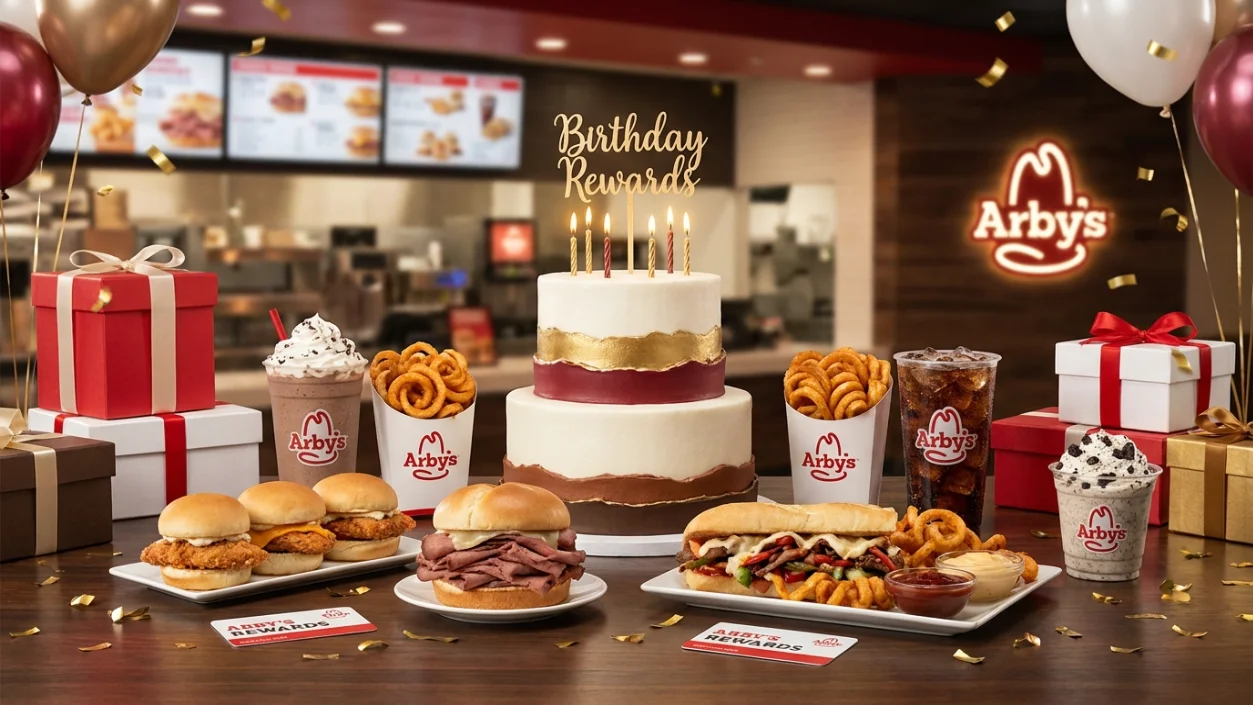
The coupon lands in your app about a week before your birthday. You’ve got a 30-day window to use it plenty of time to plan a Beef ‘n Cheddar run. Arby’s keeps the process simple. Sign up for Arby’s Rewards, add your birthday, and the shake coupon appears in your app automatically.
What Is the Arby’s Birthday Reward?
The Arby’s Birthday Reward is a free milkshake coupon sent to Arby’s Rewards members around their birthday. It requires the purchase of one regular-priced menu item to activate — meaning you’re getting a free shake alongside your Arby’s order.
It’s not a completely standalone freebie, but paired with a sandwich or combo, it’s genuinely a great birthday treat. A thick, hand-spun Arby’s shake on your birthday? Hard to complain.
What You Usually Get
- A free milkshake in your choice of flavor: Chocolate, Vanilla, Jamocha, or seasonal varieties
- Valid with the purchase of one regular-priced menu item
- Coupon delivered via the Arby’s app and/or email
- Valid for 30 days from the time the offer is sent
- Sent approximately one week before your birthday
| Feature | Details |
|---|---|
| Birthday Reward | Free milkshake |
| Shake Flavors | Chocolate, Vanilla, Jamocha, seasonal options |
| Program Name | Arby’s Rewards |
| Delivery Method | Arby’s app + email |
| Coupon Sent | ~1 week before your birthday |
| Valid For | 30 days from issue date |
| Minimum Purchase | One regular-priced menu item |
| Redemption | In-app, online, or in-store 6-digit code |
Shake availability and flavors may vary by location. Seasonal flavors like Orange Cream are offered at select times of year the reward may vary slightly depending on your local Arby’s.
How the Arby’s Birthday Reward Works
The reward is fully digital and tied to your Arby’s Rewards account. About a week before your birthday, a birthday shake coupon appears in the Deals section of your app. You also receive an email notification. The coupon stays valid for 30 days giving you a full month to redeem it.
Here’s what most people miss: Arby’s Rewards is a deal-based program, not a traditional points system. Your value comes from regularly checking the Deals section. The birthday offer is one of the best perks in the program, and it shows up automatically every year.
Delivery Method
- Arby’s App: The birthday coupon appears inside the Deals section of your account.
- Email: Arby’s also sends a notification email around the time the coupon activates.
- In-Store Code: When redeeming in-store or at the drive-thru, the app generates a 6-digit code that expires in 15 minutes after you tap redeem.
When It’s Sent
The birthday shake coupon typically arrives about one week before your actual birthday. You’ll receive it even if your birthday falls mid-week. Once issued, you have 30 days to use it so don’t feel rushed, but don’t forget it either.
How to Get the Arby’s Birthday Reward
Setup takes just a few minutes. Get it done before your birthday month so everything is in place.
- Download the Arby’s App or Visit arbys.com The app is available free on iOS and Android. You can also sign up through the Arby’s website if you prefer.
- Create Your Arby’s Rewards Account Enter your name, email address, and create a password. Use an email you check regularly your birthday coupon notification goes there.
- Add Your Birthday to Your Profile Log in and navigate to your account settings. Enter your birth date. Without this, Arby’s has no trigger to send the coupon so skip this step and you skip the reward.
- Enable App Notifications and Email Alerts The coupon is delivered digitally. Turn on push notifications in the app and make sure you’re opted in to Arby’s emails so nothing slips through.
- Select Your Nearest Arby’s Location The Arby’s app ties your deals to your local restaurant. Make sure your preferred location is selected so the offer is available when you go to redeem.
- Watch for the Coupon Around Your Birthday About a week before your birthday, open the Deals section in your app. Your birthday shake coupon will be waiting there.
How to Redeem the Arby’s Birthday Reward
Good news you’ve got three solid ways to use it.
In the App (Online Order): Sign in to your Arby’s account. Select your restaurant, choose Pickup, and open the Deals section. Select the birthday shake offer and tap Redeem Online. Add a qualifying regular-priced menu item to your order, then complete checkout. The shake is automatically discounted.
Online / Website: Head to arbys.com, sign in to your account, and place your order. Go to Deals, select the birthday coupon, and apply it before you check out. Same rules apply — a regular-priced item is required.
In-Store / Drive-Thru: Open the Arby’s app, go to Deals, select your birthday offer, and tap Redeem In-Store. The app generates a 6-digit code. Give that code to the cashier after placing your order. Important: the code expires 15 minutes after you tap redeem so only activate it when you’re at the counter or window.
A few key restrictions:
- A regular-priced menu item must be purchased — the shake is not completely free on its own
- The in-store code expires in 15 minutes — don’t generate it early
- Offers may not be available through third-party delivery apps like DoorDash or Uber Eats
- Some franchise locations may have slightly different availability verify with your local Arby’s
Why You Didn’t Get the Arby’s Birthday Reward
Missing the birthday shake is frustrating, especially when you’re looking forward to it. These are the most common reasons it doesn’t show up and how to fix each one.
Common reasons the coupon doesn’t arrive:
- Your birthday isn’t saved in your Arby’s Rewards account
- You’re not opted in to email or app notifications
- The coupon email went to spam or your promotions folder
- You haven’t selected a local Arby’s location in the app
- Your account email has a typo or is incorrect
- The coupon already expired (valid for 30 days from issue)
Easy fixes:
| Problem | Fix |
|---|---|
| No birthday in account | Log in, go to account settings, and add your birth date |
| No email opt-in | Update notification preferences in account settings |
| Missing email | Check spam, promotions, and social inbox tabs |
| No location set | Open the app and set your preferred Arby’s location |
| Code expired in-store | Only tap Redeem In-Store when you’re ready to order |
| Coupon not appearing | Log out and log back in, or reinstall the app |
Still nothing? Contact Arby’s through the Help section of the app or visit arbys.com/contact. Include your account email and birthday date so the team can look into it.
Tips to Maximize Your Arby’s Birthday Reward
The shake is just the starting point. Here are a few ways to get more out of your Arby’s birthday visit in 2026:
- Pair the shake with your favorite sandwich combo. The birthday reward requires a regular-priced item — so order the Beef ‘n Cheddar or a Classic Roast Beef and the shake becomes a genuinely satisfying birthday meal.
- Check the Deals section before you go. Arby’s rotates weekly deals in the app. Your birthday week may have additional discounts you can use on other items in your order.
- Use the shake reward mid-month, not on your actual birthday. The coupon lasts 30 days. Avoid any “busy day” app glitches by redeeming it a day or two after your birthday when foot traffic is lower.
- Screenshot the coupon before heading out. Save a screenshot of the active coupon so you have it handy without hunting through the app at the counter.
- Sign up for Arby’s emails for extra deals. Arby’s emails often include limited-time discount codes and early access offers that stack well with your birthday visit.
Read: 7 Brew Birthday Reward: Free Drink
Read: Freddy’s Birthday Reward: Free Food
Read: Firehouse Subs Birthday Reward
Read: Target Birthday Reward: Discount
Read: Panda Express Birthday Reward
Read: Sonic Birthday Reward: Free Food
Frequently Asked Questions
Conclusion
Join Arby’s Rewards, add your birthday to your account, and let your birthday shake find you the Arby’s Birthday Reward lands in your app automatically in 2026, valid for a full 30 days. Pair that cold, creamy Jamocha or Chocolate shake with a hot, savory sandwich and make a proper birthday meal out of it. Screenshot that coupon before you go and enjoy every last sip. You earned it.