Burger King Birthday Reward: Freebies & Discount Code 2026
Quick Answer
- Burger King gives a free birthday treat to Royal Perks loyalty members
- Sign up in the BK app, add your birthday, and the reward appears automatically
- Valid for 30 days redeem in-app or in-store at participating locations
A birthday always feels better with something free. And if you’re a Burger King fan, 2026 is a great year to make sure you’re signed up before your big day. The Burger King birthday reward is a real, no-catch perk and most people don’t even know they’re missing it.
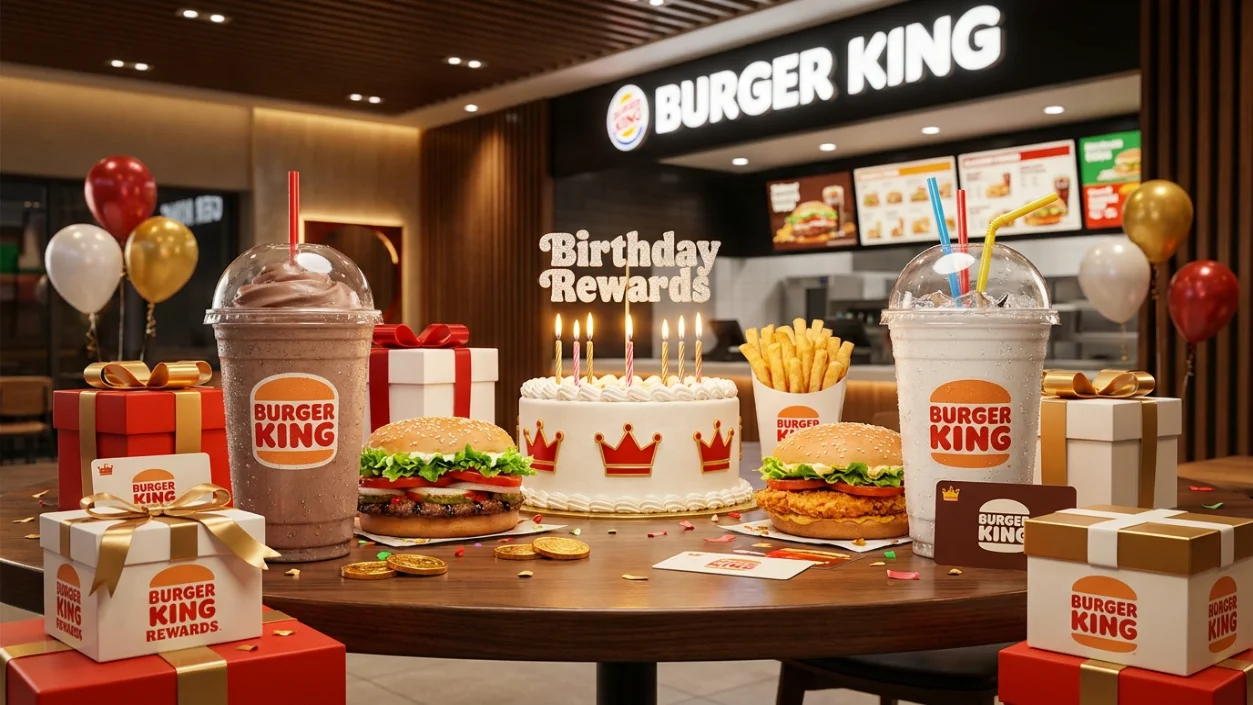
The reward lives inside the Royal Perks loyalty program. Sign up, add your birthday, and the free item lands automatically in your app. No hunting for coupons. No calling the store.
What Is the Burger King Birthday Reward?
The Burger King birthday reward is a free food item delivered through the Royal Perks program. You earn it just for being a member and having your birthday on file. No points needed. No minimum spend required to unlock it.
The reward has typically been a free Whopper or similar signature item, though the exact offer can vary by location or time of year. Some franchise locations may set slightly different birthday offers.
What You Usually Get
- A free Whopper or comparable sandwich
- Occasionally a free dessert or side item
- Bonus Royal Perks points during your birthday period
| Feature | Details |
|---|---|
| Program name | Royal Perks |
| Reward type | Free food item (typically a Whopper) |
| Validity | 30 days from birthday |
| Where it appears | BK app, Offers tab |
| Purchase required? | No minimum for the birthday item itself |
| Available | Participating U.S. Burger King locations |
How the Burger King Birthday Reward Works
Burger King delivers the reward automatically through the BK app. You do not need to request it or enter a code. Once your birthday arrives, the offer populates in the Offers tab of the app.
The reward is tied to your account not a printed coupon or email link. That means you need the app open and your account logged in when you visit the restaurant.
How to Get the Burger King Birthday Reward
Getting set up takes about three minutes. Do this at least a few weeks before your birthday Burger King requires your birthday to be on file before your special day, not on it.
Download the BK App. Available free on iOS and Android. Search “Burger King” in the App Store or Google Play.
- Create a Royal Perks account. Tap “Sign Up” and enter your name, email, and password. This is your loyalty profile.
- Add your birthday. Go to your account settings and enter your date of birth. This step is often missed don’t skip it.
- Verify your email. Check your inbox for a confirmation link. Unverified accounts may not receive the birthday reward.
- Wait for your birthday. On or just before your birthday, open the app and check the Offers tab. Your free item will be there.
How to Redeem the Burger King Birthday Reward
Redeeming is simple. The reward works in-app at the register, and in most cases you can also order through the app for pickup or drive-thru.
In the App: Open the BK app, go to Offers, tap your birthday reward, and show the barcode to the cashier. The item is added to your order for free.
Online / Website: You can also order on bk.com while logged in. Add the birthday offer from your account dashboard before checking out.
In-Store: Tell the cashier you have a Royal Perks birthday reward. Open the app, show them the offer barcode, and they’ll scan it. Some locations are app-only meaning the cashier cannot manually enter it without the scan.
Burger King Rewards Redemption Chart (2026)
| Step | Action |
|---|---|
| 1 | Open the BK app and log in |
| 2 | Tap the Offers tab |
| 3 | Select your birthday reward |
| 4 | Show barcode to cashier or apply at checkout |
| 5 | Enjoy your free item |
What Is Royal Perks Status and Why It Matters
Royal Perks is Burger King’s free loyalty program. Every dollar you spend earns 10 crowns, which you can redeem for free food. But the birthday reward is separate it’s a gift just for being a member, regardless of your points balance.
There are no paid tiers or subscription fees. Sign up once and you’re in. Higher Royal Perks activity may unlock bonus birthday offers at some locations.
How Long Does the Burger King Birthday Reward Last?
The birthday reward is valid for 30 days starting on your birthday. That gives you a full month to redeem it. Don’t wait until the last day. If the app glitches, you’ll want time to fix it.
Burger King Birthday Reward Free Item Details
The most common birthday gift is a free Whopper. Burger King occasionally rotates the birthday item, especially during promotional periods. The reward may vary by location franchise stores sometimes offer a different free item or an equivalent value coupon instead.
Why Fans Love the Burger King Birthday Reward
It’s truly free. No purchase necessary to claim the birthday item itself. For a fast food loyalty perk, that’s rare. Most competitors require a minimum order before unlocking the birthday freebie. BK keeps it clean show up, scan, eat.
Burger King Birthday Reward Availability in Major U.S. Cities
The reward is available at participating Burger King locations across the U.S., including major cities like New York, Los Angeles, Chicago, Houston, and Atlanta. A small number of franchise locations may opt out or offer a different birthday treat. Always check the app to confirm your nearest location is participating.
Common Problems Redeeming Burger King Birthday Rewards
Here’s what goes wrong and how to fix it fast.
| Problem | Fix |
|---|---|
| No reward in app on birthday | Check Offers tab; log out and back in |
| Birthday not saved in account | Go to account settings and add it now (for next year) |
| Reward expired | Valid 30 days — check expiry date in-app |
| Location not accepting offer | Try a nearby corporate location |
| Email not verified | Check spam folder; resend verification email |
Why You Didn’t Get the Burger King Birthday Reward
The most common reason is a missing birthday date. If you signed up for Royal Perks but never entered your date of birth, the system has no trigger to send the reward. Other causes include an unverified email or using a location that doesn’t participate.
- Birthday not added to your profile
- Account email not verified
- Signed up after your birthday had already passed
- App not updated to the latest version
- Visiting a non-participating franchise location
Tips to Maximize Your Burger King Birthday Reward
- Sign up early. Add your birthday at least 2–3 weeks before the big day to ensure the system processes it.
- Screenshot the offer. Grab a screenshot before you walk in just in case the app loads slowly at the counter.
- Pair it with a combo. The birthday item is free, but adding a drink or fries at checkout still earns you crowns.
- Check the Offers tab first. Don’t assume it will be on the home screen always look in Offers.
- Redeem early in the month. Don’t wait until day 29 of your 30-day window tech glitches can cost you.
- Use the drive-thru. The birthday barcode works at the drive-thru window just like in-store.
Frequently Asked Questions
Conclusion
Join Royal Perks today, add your birthday in the BK app settings, and your 2026 Burger King birthday reward will be waiting for you automatically. You get a free Whopper crispy, flame-grilled, and entirely yours with no purchase required. Screenshot the offer before you head out, redeem early in your birthday window, and make the most of it. Your birthday deserves something warm and delicious.