McDonald’s Birthday Reward: Free Gift 2026 & How to Claim
Quick Answer
- McDonald’s gives a free menu item to MyMcDonald’s Rewards members on their birthday
- Sign up, add your birthday, and the reward appears in the app’s “Deals” tab
- Valid for roughly 7 days redeem in-app, in-store, or at the Drive-Thru
Yes, McDonald’s gives a free birthday reward and it’s easier to claim than you think. The McDonald’s birthday reward 2026 lands directly in your MyMcDonald’s app on your birthday, no coupon-hunting required. You just need to set things up in advance.
The reward shows up under the “Deals” tab and gives you a free menu item of your choice from a short, rotating list. No purchase necessary to redeem it. It does expire, though so don’t sit on it.
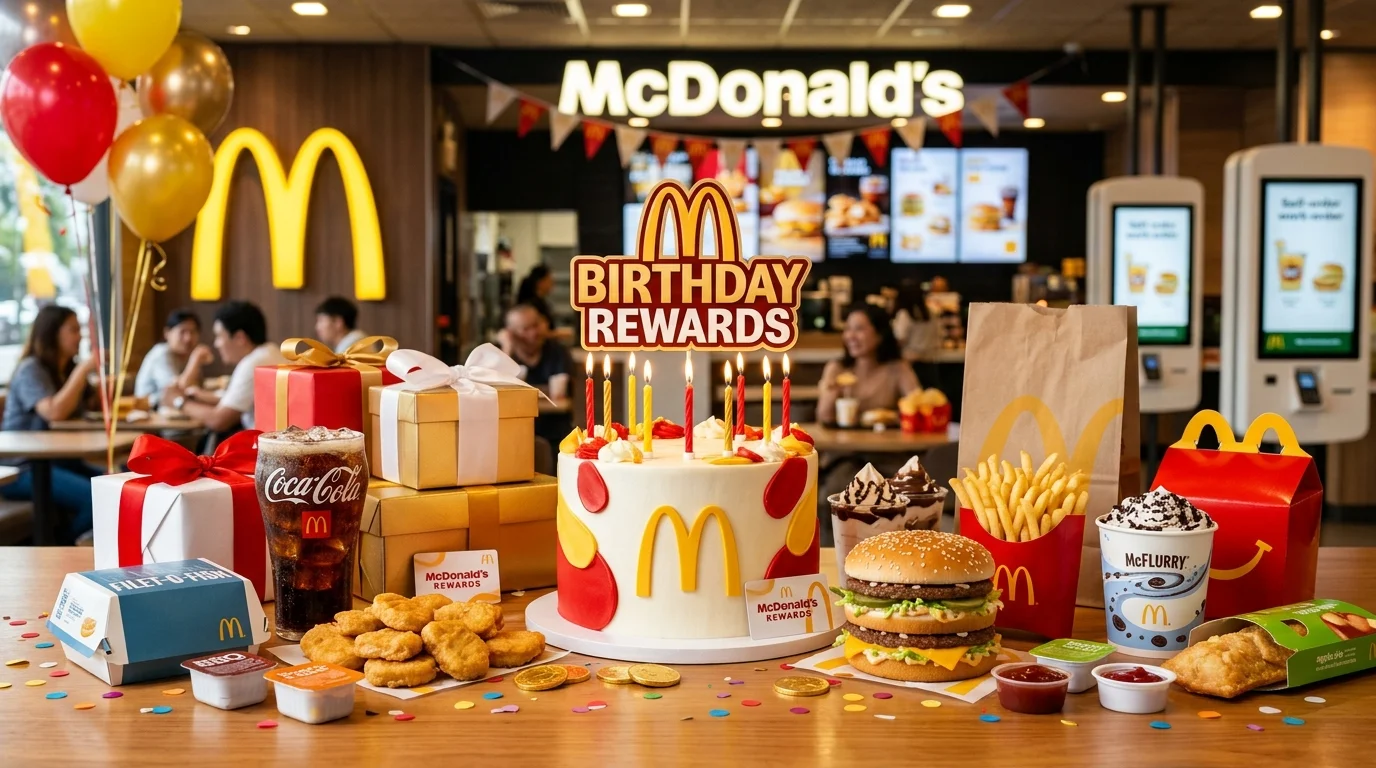
McDonald’s keeps the whole process app-based and automatic. Download the app, add your birthday to your profile, and the reward appears on its own when the day arrives.
What Is the McDonald’s Birthday Reward?
The McDonald’s birthday reward is a free food offer delivered through the MyMcDonald’s app on your birthday. It appears in your Deals section automatically, no code-hunting needed. You simply tap it, pick your item, and place your order.
The reward is one-time use and cannot be stacked with other deals or coupons. Some franchise locations set their own participation rules, so a small number of stores may not honor it but most participating McDonald’s do.
What You Usually Get
McDonald’s lets you choose one free item from a select list. Typical options in the U.S. include:
- Free medium Fries
- Free 6-piece Chicken McNuggets
- Free Cheeseburger
- Free Hash Browns
- Free McChicken or Spicy McChicken
- Free Iced Coffee
- Free Sausage Burrito
The exact list can rotate depending on location and the current year’s promotion.
McDonald’s Birthday Reward Overview
| Feature | Details |
|---|---|
| Reward | Free menu item (choice from eligible list) |
| Program | MyMcDonald’s Rewards |
| Delivery | App — “Deals” tab |
| Redemption | In-app, in-store, Drive-Thru, or McDelivery |
| Purchase Required | No |
| Expiration | Approximately 7 days after birthday |
How the McDonald’s Birthday Reward Works
The reward is fully app-driven. On your birthday, McDonald’s automatically pushes a free-item deal to your MyMcDonald’s app account. You’ll find it under the “Deals” section not the “Rewards” tab. That’s where most people get confused.
You don’t receive a separate email with a code. The deal just appears in the app. Tap it, view your eligible items, and add your choice to a mobile order or generate a 4-digit deal code to use in-store or at the Drive-Thru.
How to Get Your McDonald’s Birthday Freebie
The setup takes less than five minutes. Do it at least 30 days before your birthday to be safe.
- Download the McDonald’s app (iOS or Android) Search “McDonald’s” in your app store and install the free app. Create or log into your MyMcDonald’s account.
- Add your birthday to your profile Tap your profile icon, go to account settings, and enter your birth date. A wrong date means a missed reward double-check it before saving.
- Opt into MyMcDonald’s Rewards In the app settings, make sure your Rewards & Deals toggle is switched on. Opting out blocks all deals, including your birthday freebie.
- Enable push notifications (strongly recommended) This way you’ll get a ping the moment your birthday reward lands in your app. Easy to miss it otherwise.
- Check your Deals tab on your birthday Open the app, tap “Deals” in the bottom menu, and look for your birthday offer. It should be right there waiting.
- Tap and redeem before it expires The reward lasts roughly 7 days from your birthday. Don’t wait until the last day some deals cut off before close of business on the expiration date.
How to Redeem a McDonald’s Birthday Reward
Here’s what most people miss: the birthday reward is not just for counter orders. You have a few options.
- In the App (Mobile Order): Tap your birthday deal, select your item, and choose “Add to Mobile Order.” Complete checkout and pick up at the counter or Drive-Thru window.
- In-Store or Drive-Thru: Tap the deal and choose “Use at Restaurant.” A 4-digit deal code appears on screen. Show or read that code to the cashier before placing your order.
- McDelivery: Select “Add to McDelivery Order” if that option appears in your deal. Availability varies by location.
Important: The reward must be activated through the app. You cannot simply ask for a free item at the counter without showing the in-app code or completing the mobile order first. Most in-store redemptions work from 11:00 a.m. to 10:00 p.m., and Drive-Thru redemptions run until 11:59 p.m.
Where to Find Your McDonald’s Birthday Reward in the App
Look in the “Deals” tab that’s the ticket icon in the bottom navigation bar of the McDonald’s app. The birthday freebie does not live under the “Rewards” section where your points balance is.
If you don’t see it on your birthday, try these quick checks:
- Force-close the app and reopen it
- Make sure your birthday is saved correctly in your profile
- Confirm your Rewards toggle is enabled
- Check that you’re logged into the correct account
Why You Didn’t Get the McDonald’s Birthday Reward
The reward doesn’t show up for everyone automatically. A few common reasons why it might be missing:
Common reasons:
- You never added your birthday to your profile
- You added your birthday after the cutoff (too close to your birthday)
- Your MyMcDonald’s Rewards toggle is turned off
- You’re looking in the wrong tab (check Deals, not Rewards)
- Your location doesn’t participate in birthday rewards
- You let the reward expire without redeeming it
Easy fixes:
| Problem | Fix |
|---|---|
| Birthday missing from profile | Add it now you’ll get it next year |
| Rewards toggle is off | Re-enable under app settings |
| Can’t find the deal | Check the “Deals” tab, not the “Rewards” tab |
| Wrong account logged in | Sign out and log back into the correct account |
| Reward expired | Contact McDonald’s support in-app with your account details |
The good news is that once everything is set up correctly, the reward reappears every single year without any extra steps.
McDonald’s Birthday Reward Code Explained
When you tap your birthday deal and choose “Use at Restaurant,” the app generates a 4-digit deal code. This is your ticket to redeeming the reward without placing a full mobile order.
Show that code to the cashier before your order is placed. It cannot be applied after the fact. The code is valid for a short window usually just a few minutes once generated so only tap “Use at Restaurant” when you’re actually at the counter or Drive-Thru window.
You still earn MyMcDonald’s Rewards points on any other items you purchase during the same visit, even when using a deal code.
Extra Perks of Using the McDonald’s App
The birthday freebie is just one reason to keep the McDonald’s app installed. Here’s what else you get:
- 100 points for every $1 spent redeemable for free food starting at 1,500 points
- Free medium Fries every Friday with any $1+ purchase (app exclusive)
- Bonus points promotions on specific menu items throughout the year
- Personalized deals based on your order history
- Mobile Order & Pay to skip the line entirely
- McDelivery access with app-exclusive delivery deals
Tips to Make Sure You Receive Your Birthday Reward
A few simple habits keep this freebie reliably showing up every year.
- Add your birthday at least 30 days early. Don’t wait until your birthday week it may be too late for the current year.
- Screenshot the deal when it appears. If there’s a glitch at the counter, having the offer visible on your screen helps.
- Redeem it in the first day or two. The reward expires around 7 days after your birthday. Don’t assume you have more time than you do.
- Keep your Rewards toggle enabled year-round. Opting out at any point can block your birthday deal.
- Check your profile birthday every year. One accidental edit can wipe it out and delay your reward by 12 months.
- Use Mobile Order if possible. It’s the smoothest redemption path no code to read aloud, no cashier confusion.
Read: Jersey Mike’s Birthday Reward
Read: Jimmy John’s Birthday Reward
Read: Wingstop Birthday Reward
Read: Subway Birthday Reward
Read: Red Robin Birthday Reward
Read: Arby’s Birthday Reward
Frequently Asked Questions
Conclusion
Download the MyMcDonald’s app, add your birthday to your profile, and keep your Rewards toggle on that’s everything it takes. The McDonald’s birthday reward 2026 lands a free, crispy menu item straight to your Deals tab on your special day. Open the app early on your birthday and don’t let it sit seven days goes faster than you think. There’s something genuinely satisfying about starting a birthday with a warm, golden freebie you didn’t have to pay for.