Starbucks Birthday Reward: Free Gifts 2026, How to Claim
Quick Answer
- Starbucks gives a free handcrafted beverage, food item, or bottled drink to Starbucks Rewards members on their birthday
- Sign up at least 7 days before your birthday, add your birthdate, and complete one Star-earning transaction
- Valid for 1 day (Green), 7 days (Gold), or 30 days (Reserve) redeem in-store, at the drive-thru, or via the app
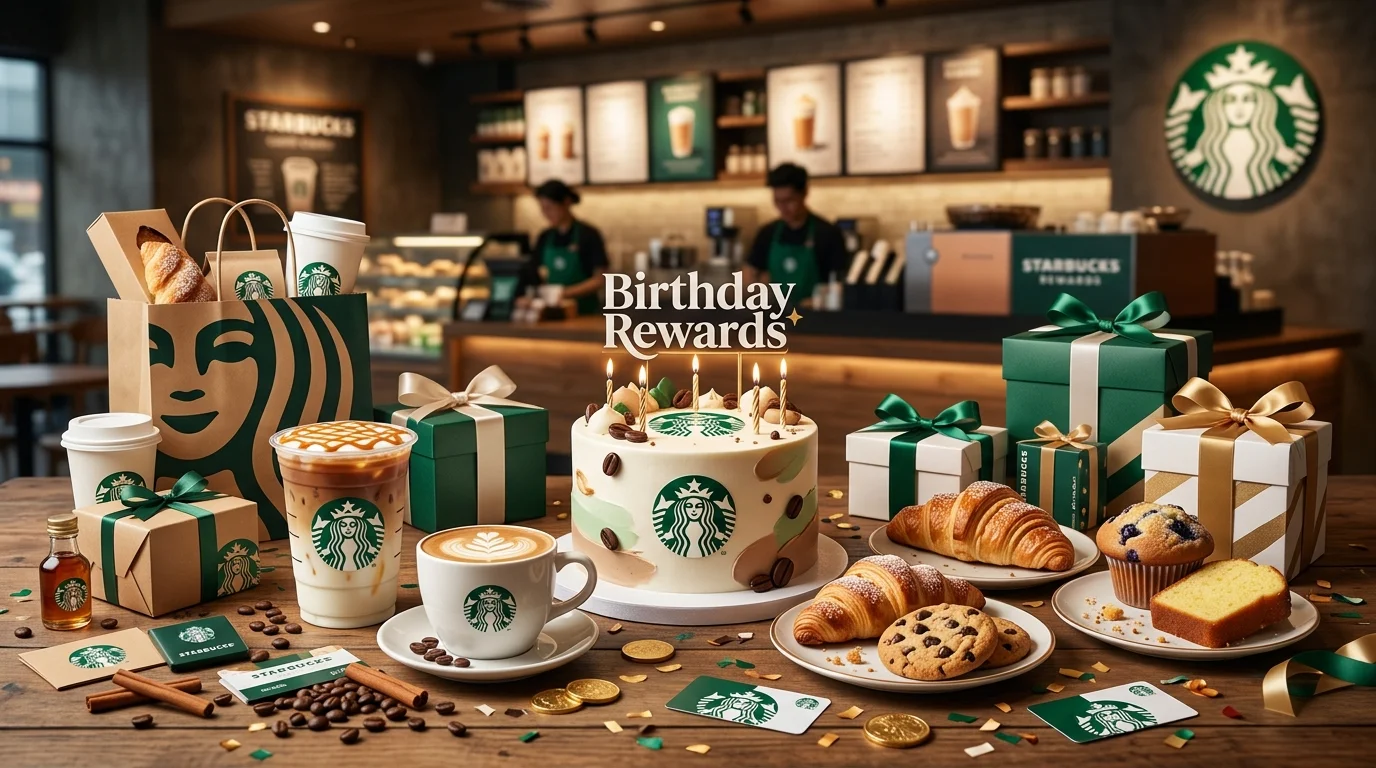
Yes, Starbucks gives a free birthday reward and the Starbucks birthday reward 2026 is better than ever after the program’s major overhaul in March. You get a free handcrafted beverage, food item, or ready-to-drink bottled beverage dropped straight into your Starbucks Rewards account on your birthday. No coupon code. No checkout tricks.
The rules do matter here. How long your reward lasts depends on your membership tier and yes, Green members only get one day while Gold and Reserve members get more. The setup takes two minutes. Join Starbucks Rewards, add your birthday, make one qualifying purchase, and your free treat arrives automatically on the big day.
What Is the Starbucks Birthday Reward?
The Starbucks birthday reward is a complimentary item added automatically to your Starbucks Rewards account on your birthday. It’s been a fan favorite for years, and the 2026 program kept it fully intact while adding tier-based perks for more loyal members.
Your free item can be any one of the following your choice, fully customized:
What You Can Get for Free at Starbucks on Your Birthday
- Any handcrafted beverage lattes, Frappuccinos®, cold brew, iced drinks, Nitro, seasonal drinks any size, any customization
- Any food item breakfast sandwiches, croissants, muffins, cookies, wraps, protein boxes
- Any ready-to-drink bottled beverage bottled coffee, juices, or other packaged drinks sold in-store
What’s excluded: alcohol (even at Reserve bars), multi-serve items like the Coffee Traveler or a tray of pastries, merchandise, and packaged coffee beans.
| Feature | Green Member | Gold Member | Reserve Member |
|---|---|---|---|
| Birthday Reward | Free item | Free item | Free item |
| Redemption Window | Your birthday only | 7 days from birthday | 30 days from birthday |
| Sign-Up Requirement | 7 days before birthday | 7 days before birthday | 7 days before birthday |
| Purchase Requirement | 1 Star-earning transaction | 1 Star-earning transaction | 1 Star-earning transaction |
| Stars Expire | After 6 months | Never | Never |
How the Starbucks Birthday Reward Works
The reward is entirely automatic and app-based. On your birthday, Starbucks Rewards adds your Birthday Reward directly to your account no email link to click, no code to enter. You’ll see it waiting in the Starbucks app under your available rewards.
Here’s what most people miss: the redemption window is tier-dependent. Green members must use the reward on their actual birthday and only on that date. If you’re a Green member and you miss your birthday, the reward expires that night. Gold members get 7 days. Reserve members get a generous 30-day window.
The program launched its three-tier structure Green, Gold, and Reserve on March 10, 2026. If you haven’t checked your tier recently, open the app and confirm where you stand before your birthday arrives.
How to Get Your Free Starbucks Birthday Drink
Two hard requirements need to be met before your birthday. Both must be true one without the other won’t work, and baristas can’t override the system.
- Download the Starbucks app — it’s free on iOS and Android. You can also sign up at Starbucks.com. The app is the easiest way to track your Stars, tier status, and available rewards in one place.
- Create your Starbucks Rewards account — you need your first and last name, email address, and a password. Membership is completely free with no annual fee.
- Add your birthday to your profile — adding a birthdate is technically optional during sign-up, but skip it and you won’t receive a birthday reward. Make sure the birth month and day are entered correctly.
- Join at least 7 days before your birthday — this is a firm rule in Starbucks’s official Terms of Use. If your birthday is on a Friday, you must have been a member since the Friday before. No exceptions, and customer service generally won’t override it.
- Complete at least one Star-earning transaction before your birthday — this must be a real purchase that earns Stars. Using a free reward redemption doesn’t count. This requirement resets each year, so even longtime members need a qualifying purchase in the current period.
Pro tip: If you’re close to the 7-day deadline, place a small qualifying order immediately after signing up to cover both requirements at once.
How to Use Your Starbucks Birthday Reward
Once the reward appears in your account, here’s how to redeem it across every ordering method.
In the App: Open the Starbucks app, tap on Pay, and you’ll see your Birthday Reward listed as an available offer. Before you finalize your order, apply the reward. The free item is added to your order automatically with no additional payment required for that item.
In-Store or at the Drive-Thru: Tell your barista you have a birthday reward before they ring up your order. Show the barcode in the Starbucks app and let them scan it. The reward applies at the point of sale. You can still pay for any additional items with your Starbucks Card, app, or another payment method in the same transaction.
Online / Mobile Order Ahead: Place a mobile order through the Starbucks app, customize your drink or food item exactly how you want it, and apply your Birthday Reward at checkout before confirming. Your order will be ready for pickup at your selected store.
Important restriction: Your Birthday Reward cannot be combined with other Starbucks offers or Star redemptions in the same transaction, unless Starbucks specifically indicates otherwise in an active promotion.
Does the Starbucks Birthday Reward Expire the Same Day?
It depends on your tier and this is the detail that catches people off guard every year.
- Green members: The Birthday Reward is valid only on your birthday. One day. That’s it.
- Gold members: You get 7 days starting on your birthday to redeem the reward.
- Reserve members: You get a full 30 days starting on your birthday to use it.
Is the Starbucks Birthday Reward Only Valid on Your Birthday?
For Green members, yes completely. For Gold and Reserve members, no. Your tier gives you extra days, which is one of the most compelling reasons to work toward Gold status (500 Stars in a 12-month period).
Can You Use It the Day After?
Gold and Reserve members can absolutely use it the day after and the day after that. Green members cannot. If you’re a Green member and you forgot, the reward is gone. Contact Starbucks support through the app, but restoration isn’t guaranteed.
How to Check If Your Starbucks Birthday Reward Is Active
Open the Starbucks app and tap Pay or navigate to your Rewards section. If your birthday reward has been triggered, it appears as an available offer labeled “Birthday Reward.” You’ll also see the expiration date so you know exactly how long you have.
If it’s your birthday and the reward isn’t showing, log out of the app and log back in. Sometimes a refresh is all it needs. If it still doesn’t appear, check the troubleshooting section below.
Why Is My Starbucks Birthday Reward Not Showing Up?
A few specific issues cause this and most are fixable before your next birthday.
- You joined less than 7 days before your birthday — the eligibility window is firm
- You didn’t add your birthday to your account — it’s optional during sign-up and easy to skip
- You haven’t made a qualifying purchase this year — the transaction requirement resets annually
- Your birthday was entered incorrectly — double-check the month and day in your profile settings
- App needs refreshing — log out and back in, or uninstall and reinstall the app
- You’re at a non-participating location — some licensed Starbucks in airports, hotels, or grocery stores don’t participate in Starbucks Rewards
- Easy Fixes
| Problem | Fix |
|---|---|
| Joined too close to birthday | Plan to join 2–3 weeks before next year’s birthday |
| No birthday in profile | Add it now in Account Settings — it applies next year |
| No qualifying purchase this year | Make any Star-earning purchase before your birthday |
| Wrong birthday saved | Update it in profile settings; confirm the change saved |
| Reward not loading in app | Log out, restart the app, log back in |
| Non-participating location | Use the store locator to find a corporate Starbucks nearby |
Tips to Maximize Your Starbucks Birthday Reward
The free item has real value especially when you pick wisely.
- Order your most expensive drink a large custom Frappuccino®, Nitro Cold Brew, or an iced latte with multiple add-ons can easily run $7–$9. Your reward covers it completely, regardless of price.
- Customize freely extra pumps of syrup, a different milk, cold foam on top it all comes with the free drink. Birthday day is the day to go all out.
- Earn toward Gold before your birthday Gold membership (500 Stars in 12 months) gives you a 7-day window instead of just one day. That extra flexibility is worth the effort.
- Combine with a Starbucks Card reload if you load a Starbucks Card with $50 or more, you earn bonus Stars. Do this before your birthday to stack Stars for future rewards.
- Go mid-morning on your birthday lines are typically shorter between 9–11 a.m., and your barista has time to make your custom drink just right.
- Screenshot your reward if your phone signal is unreliable inside your local Starbucks, a screenshot of the active reward ensures you won’t fumble at the counter.
Starbucks Birthday Reward in Major U.S. Cities
The Starbucks birthday reward works at participating Starbucks locations across the U.S. and Canada (and Puerto Rico). In major cities like New York, Los Angeles, Chicago, Houston, and Atlanta, you’ll find corporate-owned Starbucks locations on nearly every block all of them participating in Starbucks Rewards.
The reward may not work at licensed Starbucks locations inside airports, hotels, universities, or grocery stores. If you’re traveling on your birthday, use the Starbucks app store locator to confirm the location you’re visiting is a participating store before you walk in.
Why People Love the Starbucks Birthday Freebie
A few things make this one of the most popular restaurant birthday rewards going:
- Total menu freedom — unlike most birthday freebies that lock you into one specific item, Starbucks lets you pick any handcrafted drink or food item you want
- Full customization included — your free drink can be modified however you like at no extra charge
- High item value — a customized grande or venti drink can be worth $7–$10, making this one of the highest-value birthday freebies of any loyalty program
- Automatic delivery — no codes, no emails to open, no links to click. The reward just appears.
Read: Auntie Anne’s Birthday Reward
Read: Cinnabon Birthday Reward
Read: Panera Birthday Reward
Read: Crumbl Cookie Birthday Reward
Read: Red Robin Birthday Reward
Read: Subway Birthday Reward
Frequently Asked Questions
Conclusion
Join Starbucks Rewards, add your birthday to your profile, and complete one small purchase before your big day that’s everything it takes to claim your Starbucks birthday reward 2026. You’ll get one free handcrafted drink, food item, or bottled beverage, fully customized, waiting in your app. Open it first thing on your birthday so you don’t waste a single hour of your redemption window especially if you’re at Green level. Your birthday deserves something rich, smooth, and made exactly the way you love it.