Baskin-Robbins Birthday Reward: Free Gifts & How to Claim
Quick Answer
- Baskin-Robbins gives a free single scoop of ice cream to members of Baskin-Robbins Rewards
- Sign up in the BR App, add your birthday to your profile, and the reward appears in-app on your birthday
- Valid for roughly two weeks redeem in-store or on the BR App (no delivery orders)
If you love Baskin-Robbins, your birthday is the best time to visit. The Baskin-Robbins birthday reward gives you a free scoop of ice cream every year no purchase required, no hoops to jump through. In 2026, the perk is still going strong, and it only takes a few minutes to set up.
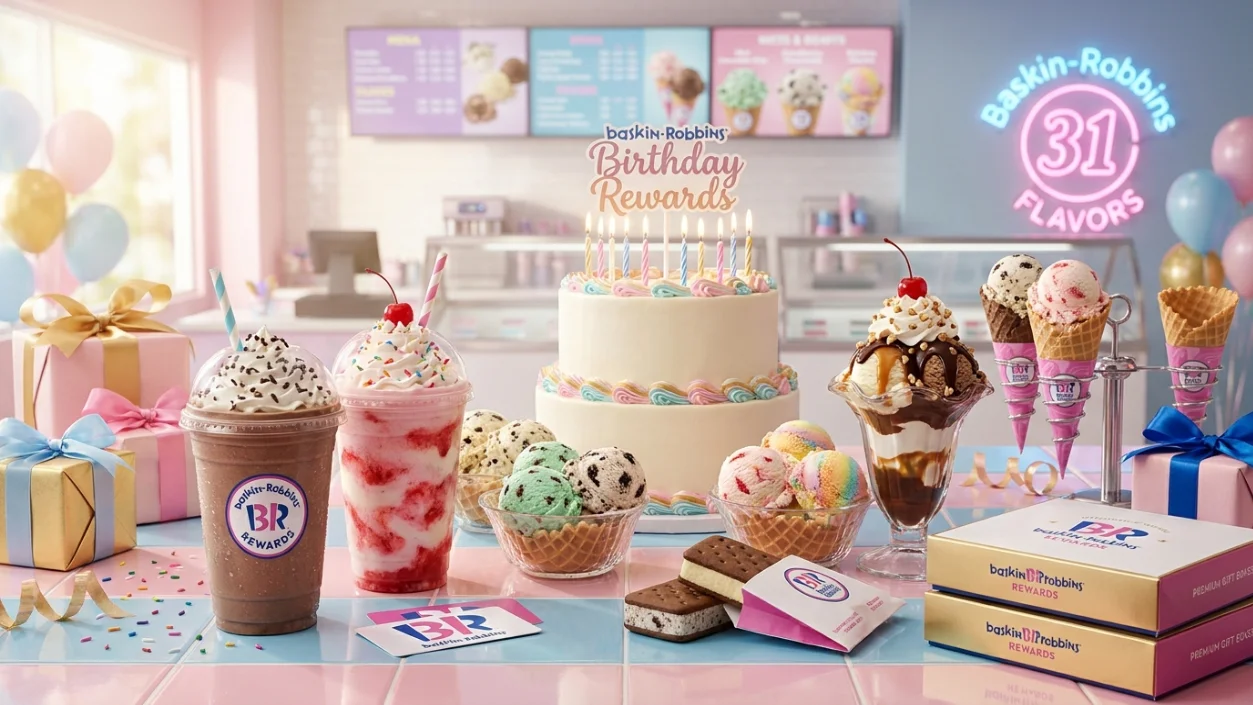
The reward lives inside Baskin-Robbins Rewards, the brand’s free loyalty program available through the BR App. You don’t need a special code or a coupon clipped from a mailer. Baskin-Robbins keeps the process simple: join, add your birthday, and your free scoop appears automatically on your big day.
What Is the Baskin-Robbins Birthday Reward?
The Baskin-Robbins birthday reward is a free single scoop of ice cream gifted to members of the Baskin-Robbins Rewards program on their birthday. It’s completely free — no minimum purchase required.
You pick any flavor from Baskin-Robbins’ legendary 31+ flavor lineup. The only catch: it doesn’t include waffle cone varieties or toppings. Still, a free scoop of your favorite flavor is a pretty sweet way to start a birthday.
What you get:
- A free single scoop of ice cream
- Any available flavor at your local shop
- No purchase necessary
- No waffle cones or toppings included with the reward
| Feature | Details |
|---|---|
| Program Name | Baskin-Robbins Rewards / Birthday Club |
| App Name | BR App (iOS and Android) |
| Birthday Reward | Free single scoop |
| Purchase Required | No |
| Excluded Items | Waffle cones, toppings |
| Delivery Eligible | No, in-store or BR App pickup only |
| Cost to Join | Free |
How the Baskin-Robbins Birthday Reward Works
Your birthday reward is delivered automatically no action needed once your profile is complete. On your birthday, a coupon appears directly in the BR App in your rewards section. You’ll also receive a notification email connected to your account.
The reward is valid for approximately two weeks after your birthday. The exact expiration date is displayed inside the app on the reward itself, so always check before heading to the shop. Don’t assume you have until the exact end of the month.
How to Get the Baskin-Robbins Birthday Reward
Getting the free scoop is easy but timing matters. Sign up well before your birthday month. If you join too close to your birthday, the reward may not trigger for that year.
Step 1: Download the BR App Available free on iOS and Android. Search “Baskin-Robbins” in your app store. Everything your rewards, your birthday coupon, your QR code lives here.
Step 2: Create your Baskin-Robbins Rewards account Sign up with your email address. You must be at least 13 years old to join. The account is completely free.
Step 3: Complete your profile and add your birthday This is the step most people skip. Go into your profile settings and enter your birthday date. Without this, the reward will never appear.
Step 4: Sign up at least a few weeks before your birthday month If you wait until the week of your birthday, the system may not have enough time to process your information. Give it a month of lead time to be safe.
Step 5: Wait for your birthday then check the app On your birthday, open the BR App and go to your rewards section. Your free scoop coupon will be waiting. You’ll likely also receive an email confirmation.
Step 6: Head to a participating location and redeem Show your QR code at the counter or apply the offer in the app if you’re doing a pickup order. Done.
| Step | Action |
|---|---|
| 1 | Download the BR App |
| 2 | Create a free Baskin-Robbins Rewards account |
| 3 | Add your birthday in your profile settings |
| 4 | Sign up at least a few weeks before your birthday month |
| 5 | Check the BR App on your birthday for the free scoop |
| 6 | Redeem in-store or via BR App pickup order |
How to Redeem the Baskin-Robbins Birthday Reward
The good news is redemption is flexible. Here’s how each option works.
In the App: Open the BR App, go to your rewards section, and apply the birthday coupon to your cart before placing a pickup order. The discount will apply automatically at checkout.
Online at BaskinRobbins.com: Log in to your Baskin-Robbins account and the reward will appear at checkout when you’re signed in. Apply it before completing your pickup order.
In-Store: This is the easiest option. Just walk up to the counter, open your BR App, and scan the QR code from your home screen. Tell the team member which reward you’d like to apply and they’ll take care of the rest.
Important restrictions:
- Delivery orders are not eligible — you cannot redeem the birthday reward through DoorDash, Uber Eats, Grubhub, or Postmates
- Waffle cones and toppings are excluded
- The reward cannot be combined with other offers or coupons
- Participating locations only call ahead if you’re unsure about your local shop
The Baskin-Robbins Birthday Club: Add Your Family Too
Here’s what most people miss. Your Baskin-Robbins Rewards account isn’t just for you. You can add up to five family members to your account and each of them can receive a free birthday scoop on their birthday. That’s a lot of free ice cream over the course of a year.
To add family members, go into your account settings in the BR App and navigate to “Family Members.” Enter their name and birthday, and they’ll be automatically enrolled. One account, multiple birthday treats.
Why You Didn’t Get the Baskin-Robbins Birthday Reward
It happens to a lot of people. You expected a free scoop and nothing showed up. Here are the most common reasons and what to do about it.
Common reasons:
- You signed up too close to your birthday and the system didn’t process in time
- Your birthday isn’t saved in your profile
- You tried to redeem on a delivery order (not eligible)
- Your local shop isn’t a participating location
- The reward expired before you used it
Easy fixes:
| Problem | Fix |
|---|---|
| No birthday saved | Add it in profile settings immediately for next year |
| Signed up too late | Sign up at least 30 days before your birthday month |
| Ordered via delivery | Always use in-store or BR App pickup orders only |
| Location not participating | Call ahead or visit a different nearby shop |
| Reward expired | Check the app — expiry date shows on the coupon |
| Still nothing | Contact Consumer Care at 800-859-5339 |
How Long Does the Baskin-Robbins Birthday Reward Last?
The birthday reward is valid for approximately two weeks after your birthday. The exact expiration date is shown inside the BR App on the coupon itself check it before you plan your visit.
One practical tip: don’t wait until the final day. Some users have reported that rewards can expire before the close of business on the expiration date. Redeem it within the first week of your birthday to be safe, and screenshot the coupon in case you hit any app issues at the counter.
Baskin-Robbins Birthday Reward Availability Across the U.S.
The Baskin-Robbins birthday reward is available at most participating U.S. Baskin-Robbins locations. The program is run at the corporate level, so the experience is consistent across the country — whether you’re in New York, Los Angeles, Chicago, Houston, or Atlanta.
That said, not every location participates. Some franchise operators may opt out of certain promotions. If you’re planning a birthday visit to a specific shop, it’s worth a quick call to confirm they accept Birthday Club rewards before you make the trip.
Tips to Maximize Your Baskin-Robbins Birthday Reward
- Sign up now, not later. Don’t wait until the week of your birthday. Give your account at least a month ideally longer to register before your big day.
- Add your whole family. Up to five family members can be added to your account. That’s six free birthday scoops across the year if everyone has a different birthday.
- Screenshot the coupon. Some shops have spotty cellular reception. A screenshot of your QR code means you don’t have to scramble if the app won’t load at the counter.
- Redeem early in the window. Don’t leave it for the last day. Rewards can expire before closing time on the expiration date treat it like it expires a day early.
- Stack with your welcome scoop. When you first sign up for Baskin-Robbins Rewards, you get a free scoop after your first qualifying purchase. That’s two free scoops right out of the gate.
- Enable push notifications. Turn on notifications in the BR App so you don’t miss the birthday reward alert on your actual birthday.
Read: P.F. Chang’s Birthday Reward
Read: Sweetgreen Birthday Reward
Read: Applebee’s Birthday Reward
Read: Panda Express Birthday Reward
Read: Red Robin Birthday Reward
Read: Dave’s Hot Chicken Birthday Reward
Frequently Asked Questions
Conclusion
Join Baskin-Robbins Rewards in the BR App, add your birthday to your profile, and the Baskin-Robbins birthday reward will find you automatically in 2026. A free single scoop of your favorite flavor creamy, cold, and completely on the house is yours every year just for being a member. Screenshot the coupon before you head out and redeem it early in the two-week window. Your birthday deserves something sweet and effortless.



One Comment