Moe’s Birthday Reward: Free Gifts 2026 & How to Claim it
Quick Answer
- Moe’s gives a free burrito every year to members of Moe Rewards
- Download the Moe’s app, sign up, add your birthday the reward loads a few days before your birthday
- Valid for 30 days after it’s issued redeem in-store at participating Moe’s locations
If you love Moe’s Southwest Grill, your birthday is the best possible time to walk through that door. The Moe’s Birthday Reward is a free burrito delivered straight to your Moe Rewards account every single year and in 2026, it’s still one of the most generous birthday freebies in the fast-casual world. A whole burrito. Free. No purchase required.
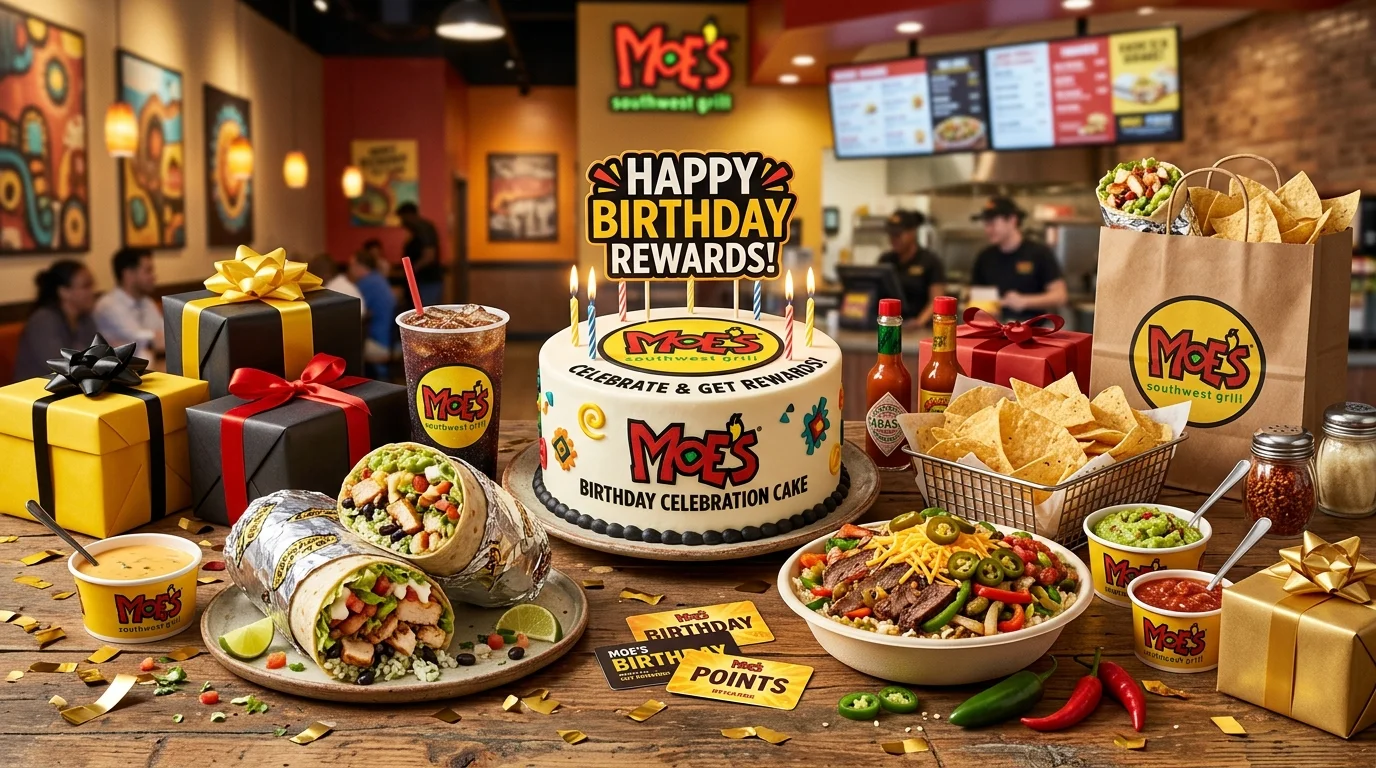
The reward comes through Moe Rewards, Moe’s free loyalty program available through the Moe’s app. The one thing to know upfront: you need to sign up at least one month before your birthday to receive the reward in the same year. Miss that window and you’ll wait until next year. Moe’s keeps everything else simple join, add your birthday, and your free burrito appears automatically in your account.
What Is the Moe’s Birthday Reward?
The Moe’s Birthday Reward is a free burrito credited to your Moe Rewards account each year around your birthday. It’s a no-purchase-required birthday gift one of the most substantial birthday freebies at any fast-casual chain in 2026.
What You Usually Get
- A free burrito your choice of their classic burrito options
- The reward appears in the Moe’s app a few days before your birthday
- Valid for 30 days from the date it’s issued to your account
- Redeemable at participating Moe’s Southwest Grill locations in the U.S.
- Drink is not included the reward covers the burrito only
- New members also receive a free cup of queso just for signing up
| Feature | Details |
|---|---|
| Program Name | Moe Rewards |
| Birthday Reward | Free burrito (no purchase required) |
| Cost to Join | Free |
| Sign-Up Deadline | At least 1 month before your birthday |
| When It’s Added | A few days before your birthday |
| Reward Validity | 30 days from date of issuance |
| Redemption | In-store via the Moe’s app |
| Signup Bonus | Free cup of queso |
Offers are redeemable at participating locations. Some franchise-operated Moe’s locations may have slightly different terms always confirm in the app before heading out.
How the Moe’s Birthday Reward Works
A few days before your birthday, Moe’s automatically loads the free burrito reward into your Moe Rewards account in the app. You’ll also get a notification or email alerting you it’s there. The reward is applied at checkout in-store no coupon printing, no codes to type in.
Here’s what most people miss: the 30-day clock starts when the reward is issued, not when you open it. So if it’s added on the 28th of your birthday month, you don’t get 30 days from your actual birthday the window is already running. Open the app early and use it sooner rather than later.
How to Get the Moe’s Birthday Reward
Getting set up takes about two minutes. Follow these steps carefully the timing matters:
- Download the Moe’s app (iOS or Android) or go to Moes.com. The Moe Rewards program lives in the app. That’s where your birthday reward will appear and where you redeem it.
- Create a free Moe Rewards account. Enter your name and email address, create a password, and complete your profile. Joining is completely free.
- Add your birthday to your profile. This is the step that triggers your annual birthday reward. Without your birth date in the system, the reward won’t be issued.
- Sign up at least one month before your birthday. This is the most important timing rule. If you sign up less than a month before your birthday, you won’t receive the birthday reward until the following year. Plan ahead.
- Collect your signup bonus. After joining, you’ll receive a free cup of queso as a welcome gift. Grab it on your next visit while you wait for your birthday to roll around.
- Check your app a few days before your birthday. Your free burrito reward will appear in the app’s Rewards section a few days before your birthday. Enable push notifications so you don’t miss the alert.
How to Redeem Your Moe’s Birthday Reward
Redemption at Moe’s is app-based. Here’s how it works across your options:
In the Moe’s App (Primary Method): Open the app, navigate to your Rewards section, and tap on your birthday burrito offer. When you’re at the register, show the active offer on your phone and the cashier will apply it. The burrito comes off your total at no charge.
In-Store: Go to any participating Moe’s location, place your order, and show your birthday reward on the app screen at checkout. The reward covers the burrito drinks, chips, guac, and add-ons are separate. Make sure your app is open and the reward is activated before you reach the counter.
Online Orders: Moe’s does offer online ordering through the app and website. Log in to your Moe Rewards account before checkout and apply your birthday reward there. Check current offer terms in the app for online order eligibility.
Note: The birthday burrito reward is no-purchase-required you don’t need to buy anything else to use it. That said, drinks and sides are not included and are charged separately.
Why You Didn’t Get the Moe’s Birthday Reward
Didn’t see a birthday burrito in your app? Here’s what likely happened:
- You signed up less than a month before your birthday the most common reason; you’ll have to wait until next year
- Your birthday isn’t saved in your profile no birth date, no reward
- You missed the 30-day window the reward expires 30 days after it’s issued, not 30 days from your birthday
- You’re not opted into app notifications turn on push notifications so you catch the reward when it’s added
- Your location doesn’t participate confirm your nearest Moe’s is a participating rewards location
| Problem | Fix |
|---|---|
| No birthday reward in app | Check that birth date is in your profile |
| Signed up too late | Plan ahead — sign up at least a month before your birthday |
| Reward expired | Contact Moe’s customer support — reissues are possible in some cases |
| No notification received | Enable push notifications in the Moe’s app settings |
| Location not participating | Use the app’s store finder to confirm your local Moe’s participates |
The good news: once your account is properly set up, the birthday burrito comes back automatically every single year without any additional effort from you.
Tips to Maximize Your Moe’s Birthday Reward
- Sign up months before your birthday don’t cut it close; aim for two to three months in advance to be safe
- Grab your free signup queso first when you join Moe Rewards, a free cup of queso drops right away; use it on your next visit before your birthday even arrives
- Stack your birthday burrito with a chips-and-salsa visit Moe’s gives free chips and salsa with every order, so your birthday meal is already a great deal even before the free burrito
- Check the app early in your birthday week the reward is added a few days before your birthday, so it might be ready on your birthday eve
- Earn points year-round Moe Rewards lets you earn points on every purchase through the app; build up your balance so you have extra rewards to use alongside your birthday visit
- Enable app notifications you’ll get instant alerts for bonus point events, limited-time offers, and when your birthday reward is loaded
Read: RCC Birthday Reward: Free Gifts
Read: Edible Arrangements Birthday Reward
Read: Texas Roadhouse Birthday Reward
Read: Denny’s Birthday Reward: Free Gifts
Read: Old Navy Birthday Reward: Free Gifts
Read: First Watch Birthday Reward: Free Gifts
Frequently Asked Questions
Conclusion
The Moe’s Birthday Reward in 2026 is one of the most satisfying birthday freebies out there a fresh, fully loaded burrito that costs you absolutely nothing. Join Moe Rewards for free, add your birthday to your profile, and make sure you sign up at least a month in advance. Check your app a few days before your birthday and use that savory, spicy reward before the 30-day window closes. Your birthday deserves something bold, cheesy, and completely on the house.