Wendy’s Birthday Reward: Free Gifts 2026 & How to Claim it
Quick Answer
- Wendy’s gives a free birthday item (typically a free Frosty or sandwich) to Wendy’s Rewards members
- Sign up in the Wendy’s app, add your birthday, and the reward appears automatically
- Valid during your birthday week redeem in-app at participating locations
A birthday always feels better with something free. And if Wendy’s is your go-to, the Wendy’s birthday reward is worth knowing about in 2026. It’s a real perk not a marketing trick and it’s available to anyone who signs up for the Wendy’s Rewards loyalty program before their birthday arrives.
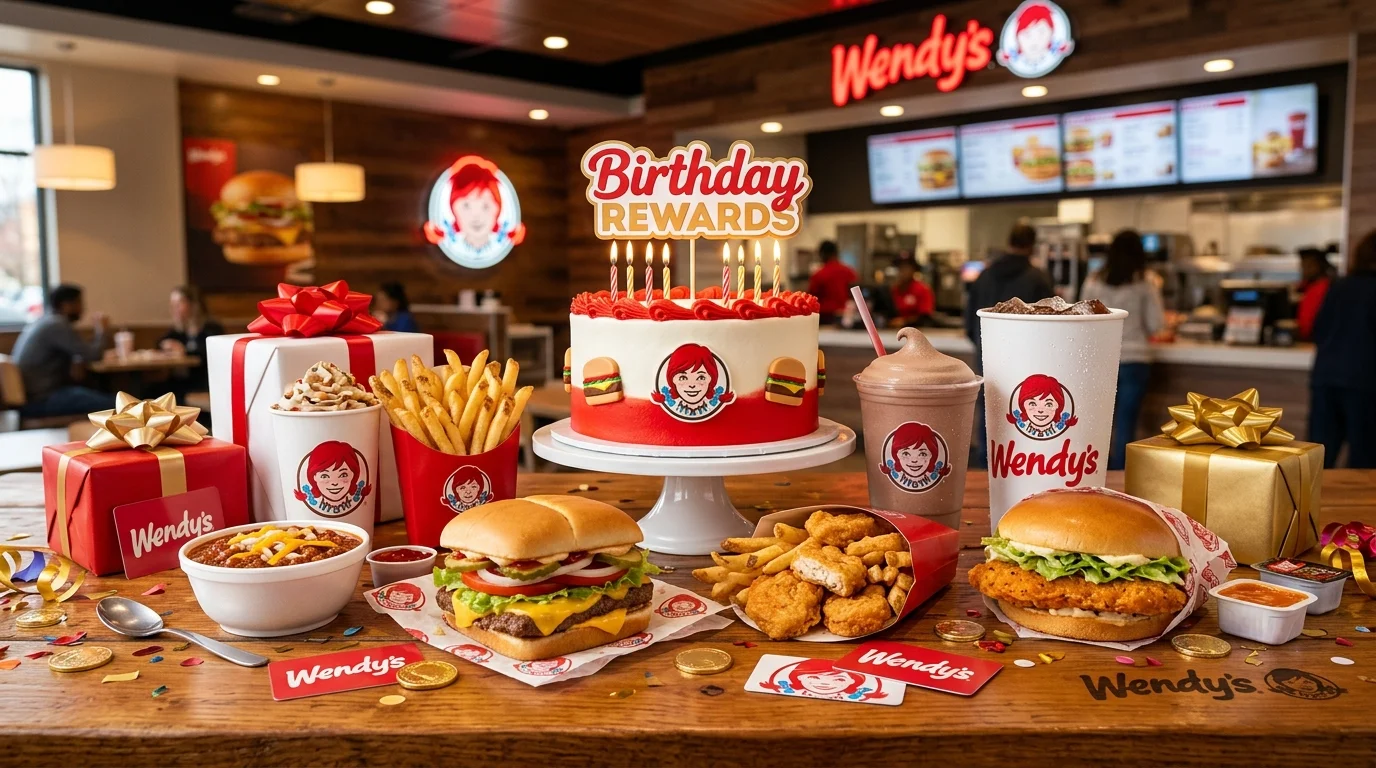
The reward lives in the Wendy’s app. You sign up, add your birthday, and a free item offer appears automatically in your account. No coupon codes to hunt down. No email subscriptions to manage separately.
What Is the Wendy’s Birthday Reward?
The Wendy’s birthday reward is a free menu item unlocked for members of the Wendy’s Rewards program on their birthday. You don’t need a specific points balance to receive it it’s an automatic annual gift just for being a member.
The birthday gift has most commonly been a free small Frosty or a free sandwich item, though the exact offer can rotate by promotional period. The reward may vary by location, so always check your app to confirm what’s waiting in your account.
What You Usually Get
- A free small Frosty Wendy’s most iconic treat
- Occasionally a free junior sandwich or combo upgrade
- Bonus Wendy’s Rewards points during your birthday period
| Feature | Details |
|---|---|
| Program name | Wendy’s Rewards |
| Reward type | Free item (typically a small Frosty) |
| Validity | Birthday week (approximately 7 days) |
| Where it appears | Wendy’s app, Offers or Rewards section |
| Purchase required? | No minimum for the birthday item itself |
| Available | Participating U.S. Wendy’s locations |
How the Wendy’s Birthday Reward Works
Wendy’s delivers the birthday reward through the Wendy’s app. When your birthday week arrives, the free item offer populates in your Offers tab automatically. No action is required on your end as long as your birthday is saved in your account settings, the system handles the rest.
The reward is account-based, not a printed coupon or birthday reward code. You need the app open and your account logged in when you order. Make sure the app is updated before your birthday week older versions occasionally have trouble loading offer barcodes.
How to Get the Wendy’s Birthday Reward
Before you sign up, know this: Wendy’s needs your birthday in the system before your birthday week begins. Sign up at least a few weeks early. Last-minute signups risk missing the first-year reward.
- Download the Wendy’s app. It’s free on iOS and Android. Search “Wendy’s” in the App Store or Google Play — look for the red square logo.
- Create your Wendy’s Rewards account. Tap “Sign Up,” enter your name, email, and a password. This is your loyalty profile going forward.
- Add your birthday in account settings. Navigate to your profile and enter your date of birth. This is the trigger for the birthday reward don’t skip it.
- Verify your email address. Check your inbox for a welcome confirmation email and click the link. Unverified accounts may not receive birthday offers.
- Check your app on your birthday week. Open the Wendy’s app, go to the Offers tab, and your free birthday item will be there waiting.
How to Redeem the Wendy’s Birthday Reward
Redemption is straightforward. The Wendy’s birthday reward is primarily an in-app offer you use it by showing the barcode at the register or applying it during mobile order checkout.
In the App: Open the Wendy’s app, tap Offers, select your birthday reward, and scan the barcode at the counter or drive-thru window. The free item is added to your order at no charge.
Online / Website: You can also order ahead at wendys.com while logged into your Rewards account. Add the birthday offer from your account’s Offers section at checkout. This is a great option if you prefer to skip the line entirely.
In-Store: Walk up to the counter and tell the cashier you have a Wendy’s Rewards birthday offer. Open the app, display the barcode, and they’ll scan it directly. Some franchise locations are app-scan only the cashier cannot manually enter the offer without the barcode.
Wendy’s Rewards Redemption Chart (2026)
| Step | Action |
|---|---|
| 1 | Open the Wendy’s app and log into your Rewards account |
| 2 | Tap the Offers tab and find your birthday reward |
| 3 | Tap the offer to reveal the redemption barcode |
| 4 | Show barcode to cashier or apply at mobile checkout |
| 5 | Your free birthday item is added — no payment needed |
What Is Wendy’s Rewards Status and Why It Matters
Wendy’s Rewards is a free loyalty program with no paid tiers. Every purchase earns points redeemable for free food. The birthday reward is separate from your points balance it’s an annual gift that comes automatically, regardless of how much you’ve spent.
The more you use Wendy’s Rewards throughout the year, the bigger your points balance grows. Frequent visitors often stack birthday week visits with bonus point events for maximum value during their birthday month.
How Long Does the Wendy’s Birthday Reward Last?
The Wendy’s birthday reward is valid for your birthday week roughly seven days centered around your birthday. Check the exact expiry date inside the offer in your app, as Wendy’s defines the window per account and it can shift slightly.
Here’s what most people miss: the offer doesn’t always start on your actual birthday. It may activate a day or two before. Open the app on your birthday eve to get a head start.
Wendy’s Birthday Reward Free Item Details
The standard birthday gift is a free small Frosty Wendy’s cold, creamy signature dessert that has been a fan favorite for decades. Depending on the promotional period, Wendy’s occasionally swaps in a free junior sandwich or a different menu item of similar value.
Some franchise locations may handle the birthday reward differently. If the offer doesn’t scan at your first stop, try a nearby corporate-owned Wendy’s or contact Wendy’s Rewards support through the app.
Why Fans Love the Wendy’s Birthday Reward
Fans love it for the simplicity. The Wendy’s app is clean, the Offers tab is easy to find, and the birthday reward appears without any extra effort from you. Set it up once and forget it — every year, it just shows up.
The Frosty as a birthday treat also resonates. It’s not a discount off your next order or a 10% coupon. It’s a complete, beloved menu item that you’d actually want on your birthday. That’s rarer than it sounds.
Wendy’s Birthday Reward Availability in Major U.S. Cities
Wendy’s has over 5,700 locations across the U.S., making the birthday reward one of the most accessible in the fast food space. Major cities like New York, Los Angeles, Atlanta, Chicago, Houston, and Phoenix all have multiple participating Wendy’s locations.
A small number of franchise locations may have different policies around app-based offers. Always use the restaurant locator in the Wendy’s app to find a participating location near you before your birthday week.
Common Problems Redeeming Wendy’s Birthday Rewards
These are the snags that trip people up and how to fix them fast.
| Problem | Fix |
|---|---|
| No birthday offer in Offers tab | Confirm your birthday is saved in account settings; log out and back in |
| Barcode not scanning | Update the Wendy’s app; increase screen brightness |
| Birthday not saved in profile | Add it in settings now reward will apply from your next birthday week |
| Offer already expired | Valid for birthday week only check the exact expiry date in-app |
| Location not accepting offer | Try a different nearby Wendy’s; contact support via the app |
Why You Didn’t Get the Wendy’s Birthday Reward
The number one reason is a missing birthday date. If you created your Wendy’s Rewards account but never entered your date of birth in account settings, the system has no trigger. No birthday saved means no reward generated simple as that.
- Date of birth not added to your Wendy’s Rewards profile
- Email not verified after account creation
- Signed up too close to your birthday for the system to process
- App not updated older versions may not display new offers
- Visiting a non-participating franchise location
Tips to Maximize Your Wendy’s Birthday Reward
- Sign up 3–4 weeks early. Give Wendy’s Rewards enough time to register your birthday and queue your offer before the week arrives.
- Screenshot the barcode. Take a screenshot of your birthday offer barcode as soon as it appears useful if the app loads slowly at the drive-thru.
- Use mobile order for speed. Apply your birthday reward through mobile order checkout so your free Frosty is ready when you pull in.
- Check for bonus point events. Wendy’s often runs double or triple point promotions. Stack these with your birthday week visit to build your balance fast.
- Redeem early in the week. Don’t wait until day seven. Tech glitches happen. Give yourself a buffer.
- Pair with a combo. Your birthday item is free no matter what add your favorite sandwich and earn points on the full order.
Read: Jamba Juice Birthday Reward
Read: Texas Roadhouse Birthday Reward
Read: Moe’s Birthday Reward: Free Gifts
Read: First Watch Birthday Reward
Read: RCC Birthday Reward: Free Gifts
Read: Burger King Birthday Reward
Frequently Asked Questions
Conclusion
Download the Wendy’s app, join Wendy’s Rewards, and add your birthday in account settings your 2026 Wendy’s birthday reward will appear automatically when your week begins. You get a free, cold, creamy Frosty with no purchase required. Screenshot the barcode the moment it appears and redeem it early in the week. Birthdays taste sweeter with a free treat waiting for you.