Outback Birthday Reward: Free Gifts 2026 & How to Claim
Quick Answer
- Outback gives a free birthday dessert to members of the Dine Rewards program
- Sign up, add your birthday, and the reward appears in your Dine Rewards wallet
- Valid during your birthday month redeem in-restaurant or via Outback’s app or website
If you love Outback Steakhouse, your birthday is the best time to visit. The Outback Birthday Reward gives Dine Rewards members a free dessert during their birthday month no purchase tricks, no complicated hoops. In 2026, the program is still one of the most reliable birthday perks in casual dining.
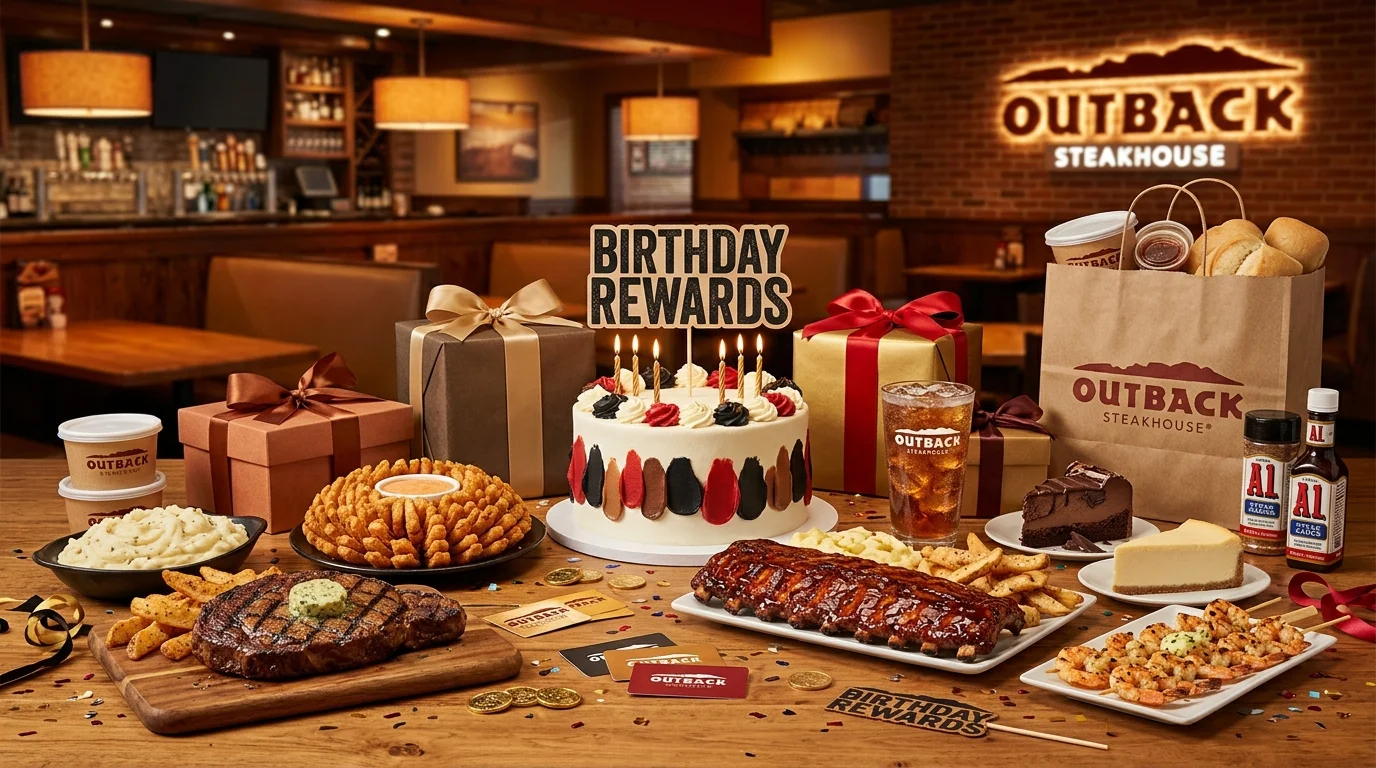
The good news is that signing up is completely free. You also get a bonus free Bloomin’ Onion just for joining. Outback keeps the process simple. Sign up for Dine Rewards, add your birthday, and your free dessert reward appears automatically in your digital wallet.
What Is the Outback Birthday Reward?
The Outback Birthday Reward is a free dessert delivered to your Dine Rewards account during your birthday month. It’s a member-exclusive perk meaning you won’t get it without a registered account that includes your date of birth.
This isn’t a voucher you print or a code you type. The reward lives right in your digital rewards wallet, ready to use the moment you walk through the door.
What You Usually Get
- A free birthday dessert (think cheesecake, chocolate brownie dessert, or seasonal sweet options)
- A free Bloomin’ Onion just for joining Dine Rewards (separate from the birthday reward)
- 5 points per $1 spent on food and non-alcoholic drinks
- A $5 reward every time you hit 350 points
| Feature | Details |
|---|---|
| Birthday Reward | Free dessert |
| Signup Bonus | Free Bloomin’ Onion |
| Program Name | Dine Rewards |
| Reward Delivery | Digital wallet + email |
| Birthday Window | Your full birthday month |
| $5 Reward Threshold | 350 points ($70 in spending) |
| $5 Reward Validity | 90 days |
| Redemption | In-restaurant or Outback app/website |
Dessert options may vary by location or seasonal menu changes. Always check your wallet for exactly what’s available at your nearest Outback.
How the Outback Birthday Reward Works
The birthday reward is issued automatically during your birthday month — but only if your birthdate is saved in your Dine Rewards account. Once issued, it sits in your digital rewards wallet until you use it or it expires.
Your phone number is your account ID. When you’re at the restaurant, just give your server your number. They’ll pull up your wallet and apply the reward instantly.
Delivery Method
- Dine Rewards Wallet: The reward appears directly in your account under available offers.
- Email: Outback also sends a notification email to remind you the reward is ready.
- Outback App: If you use the app, the reward is visible in your offers dashboard.
How to Get the Outback Birthday Reward
Getting set up takes less than five minutes. Do it before your birthday month begins to make sure the reward lands on time.
- Visit outback.com/rewards or Download the Outback App You can sign up on the website or through the app both work perfectly.
- Create a Free Dine Rewards Account Enter your name, email, and phone number. Your phone number becomes your account ID for in-restaurant visits.
- Add Your Birthday to Your Profile This is the step most people skip. Without your birthdate saved, there is no birthday reward full stop.
- Claim Your Free Bloomin’ Onion After signing up, a free Bloomin’ Onion reward appears in your wallet within 24 to 48 hours. Use it on your next visit.
- Wait for Your Birthday Month The birthday dessert reward is issued during your birthday month. You don’t need to do anything extra it just shows up.
- Show Your Phone Number at the Restaurant When you sit down, give your server your phone number. They’ll pull up your rewards and apply the birthday dessert at checkout.
How to Redeem the Outback Birthday Reward
Here’s what most people miss: the birthday reward is flexible. You’ve got a few different ways to use it.
In-Restaurant
Tell your server your phone number when you’re seated. They access your Dine Rewards wallet and apply the free dessert at the end of your meal. Easy. No app required at the table.
In the App / Online
Open the Outback app or head to outback.com. Place your order, then apply the birthday reward from your wallet at checkout. Make sure you’re signed into your account before you start ordering.
In-Store Pickup / Curbside
The reward can also be applied to eligible online orders for carryout. Just sign in, build your order, and apply the offer before you check out.
A few things to note:
- Only one reward can be applied per online order
- The reward is not valid through third-party delivery apps like DoorDash or Uber Eats
- Some franchise locations may have slight variations check with your local Outback if anything looks off
Why You Didn’t Get the Outback Birthday Reward
It happens. You show up for your birthday dinner, and the reward isn’t there. Here are the most common reasons — and exactly how to fix each one.
Common reasons the reward doesn’t appear:
- You never added your birthday to your Dine Rewards profile
- You signed up too close to your birthday (processing may push it to next year)
- Your account email is different from the one you check regularly
- The reward expired before you used it
- You tried to redeem through a third-party app
Easy fixes:
| Problem | Fix |
|---|---|
| No birthday in profile | Log into dinerewards.com and add your date of birth |
| Signed up too late | Sign up at least a few weeks before your birthday month |
| Reward email missing | Check spam/promotions folder; also check your wallet directly |
| Reward not showing in-restaurant | Give your server your phone number — they can look it up |
| Third-party app not working | Order directly through the Outback app or outback.com |
| Reward expired | $5 rewards last 90 days — check expiration dates regularly |
Still stuck? Call Dine Rewards customer service at 1-877-546-7407 (Monday–Friday, 8am–9pm EST; Saturday–Sunday, 9am–5pm EST).
Tips to Maximize Your Outback Birthday Reward
A little planning turns a free dessert into a genuinely great night out. These tips will help you get the most from your Outback Birthday Reward in 2026:
- Sign up before your birthday month. Rewards are issued at the start of your birthday month. Joining late means waiting until next year.
- Use your free Bloomin’ Onion the same night. It’s a separate reward, but it stacks perfectly with a birthday dinner.
- Check your wallet before you leave home. Confirm the reward is there so there are no surprises at the table.
- Order directly from Outback. Third-party apps don’t count always order through the Outback app or outback.com to earn points and redeem rewards.
- Pair your birthday visit with weekday specials. Outback often runs fixed-price and lunch specials that combine well with your birthday freebie.
- Tell your server it’s your birthday. Some Outback locations bring a small celebration dessert with a candle as a nice extra touch.
Read: Wawa Birthday Reward
Read: Baskin-Robbins Birthday Reward
Read: Sweetgreen Birthday Reward
Read: P.F. Chang’s Birthday Reward
Read: Applebee’s Birthday Reward
Frequently Asked Questions
Conclusion
Join Dine Rewards, add your birthday, and let Outback handle the rest your Outback Birthday Reward will be waiting in your wallet when your birthday month arrives in 2026. That means a warm, sweet, complimentary dessert at the table, on the house. Check your wallet before you head out, and don’t forget to grab that free Bloomin’ Onion while you’re at it. Your birthday dinner just got a whole lot tastier.