Shake Shack Birthday Reward: Free Gifts 2026 & How to Claim it
Quick Answer
- Shake Shack gives a free shake to members of the Shack Rewards program
- Sign up, add your birthday, and the reward code arrives via email on your birthday
- Valid for 30 days redeem in-app or on shakeshack.com (not in-store or third-party apps)
Yes, Shake Shack gives a free birthday reward and it’s easier to claim than you think. The Shake Shack Birthday Reward has been making fans’ birthdays sweeter since 2016, and in 2026 it’s still going strong. All you need is the app, a registered account, and your birthday on file.
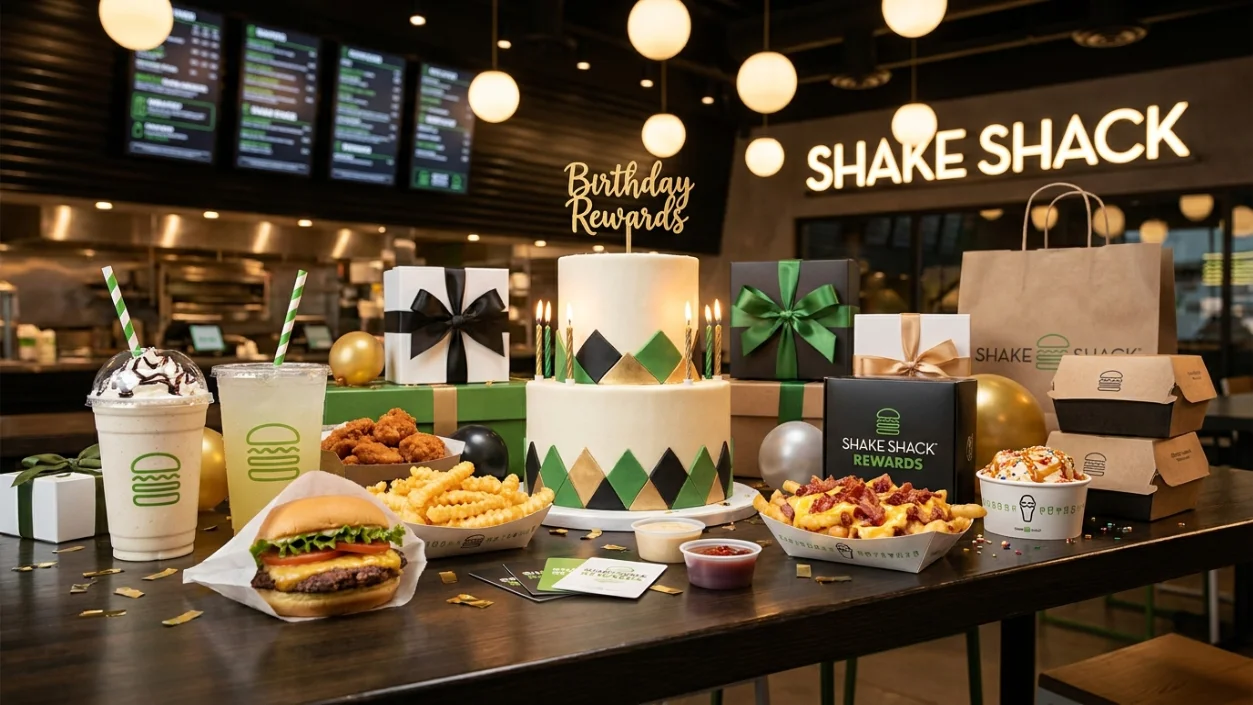
The reward lands right in your inbox no hunting, no guessing. Shake Shack keeps the process simple. Join Shack Rewards, add your birthday, and your free shake offer appears automatically when your big day rolls around.
What Is the Shake Shack Birthday Reward?
The Shake Shack Birthday Reward is a free classic shake sent to your email on your birthday. It’s part of the Shack Rewards loyalty program and has been one of the most-loved birthday freebies in the fast-casual world.
Here’s what you usually get:
- A free classic shake (vanilla, chocolate, strawberry, cookies & cream, and more)
- A unique one-time-use promo code sent to your registered email
- Valid with a minimum $5 food purchase from the regular menu
| Feature | Details |
|---|---|
| Reward | Free classic shake |
| Program | Shack Rewards |
| Delivery | Email (birthday code) |
| Valid For | 30 days from email send date |
| Minimum Purchase | $5 in food items |
| Redemption | Shake Shack app or shakeshack.com |
| Excluded Locations | Airports, stadiums, ballparks |
| Max Savings | Up to $6.29 |
Note: Specialty limited-time shakes are excluded. The reward may vary slightly by location and promotional period.
How the Shake Shack Birthday Reward Works
The process is completely automatic once you set it up. On your birthday, Shake Shack sends an email with a unique birthday reward code. You apply that code at checkout through the app or website.
There’s no need to visit a store, show a barcode, or call anyone. The code does the work. Just make sure your email notifications are on that’s how the birthday treat finds you.
Delivery Method
- Email: The primary delivery method. Your code arrives in your inbox on your birthday.
- In-App Offers Tab: Some accounts also see the reward appear under the Offers/Rewards section in the Shake Shack app.
- Push Notification: If you’ve enabled app notifications, you may get a push alert too.
How to Get the Shake Shack Birthday Reward
Getting your free shake takes about five minutes to set up. Do it at least 1–2 weeks before your birthday to make sure everything registers in time.
- Download the Shake Shack App Get it free on iOS or Android. This is where your reward will be managed.
- Create a Shack Rewards Account Tap “Sign Up” and fill in your name, email, and a password. Use the email you check regularly that’s where your code goes.
- Add Your Birthday to Your Profile Go to your profile settings and enter your date of birth. This is the step most people forget. No birthday on file = no birthday reward.
- Opt In to Email and Push Notifications This is how Shake Shack sends your code. Turn on both email and app notifications to make sure nothing slips through.
- Place at Least One Order Before Your Birthday Active accounts are more likely to receive targeted birthday offers. Even one small order helps.
- Check Your Email (and the App) Around Your Birthday Your code arrives on your actual birthday. Keep an eye on your inbox and check spam just in case.
How to Redeem the Shake Shack Birthday Reward
Redemption is quick. Once you have your code, here’s how to use it:
In the App: Open the Shake Shack app, add your items to your cart (including at least $5 in food), then tap “Offers/Rewards” at checkout. Your birthday reward will appear tap to apply it.
Online / Website: Head to shakeshack.com, build your order, and enter your unique birthday code at checkout. Make sure you’re signed into your registered account.
In-Store: Unfortunately, the birthday reward cannot be redeemed in-store. It’s only valid through the app or website. No exceptions even if you show the code at the counter.
A few important restrictions to know:
- Not valid at airport, stadium, or ballpark locations
- Cannot be used on third-party delivery apps (DoorDash, Uber Eats, etc.)
- Paid add-ons like whipped cream or malt are excluded from the discount
- Limited-time specialty shakes do not qualify
- One use per account no sharing or splitting
Why You Didn’t Get the Shake Shack Birthday Reward
Missing your birthday reward is frustrating. Here are the most common reasons it happens — and how to fix each one.
Common reasons:
- You didn’t add your birthday to your Shack Rewards profile
- You forgot to opt in to marketing emails
- The email went to your spam or promotions folder
- Your account was brand new (sign up at least 1–2 weeks early)
- You haven’t placed any qualifying orders recently
Easy fixes:
| Problem | Fix |
|---|---|
| No birthday in profile | Add it in app settings — profile section |
| Reward email missing | Check spam and promotions folders |
| Email notifications off | Enable in app settings and phone settings |
| Account too new | Sign up at least 2 weeks before your birthday |
| Code expired | Codes are valid for 30 days — redeem before they expire |
| Tried to use in-store | Switch to app or website checkout |
Still nothing? Check the Offers/Rewards tab in the app directly. Sometimes the reward loads there even if the email is delayed.
Tips to Maximize Your Shake Shack Birthday Reward
A little planning goes a long way. These tips will help you get the most out of your free birthday treat in 2026:
- Sign up early. Register at least 2 weeks before your birthday so your account has time to qualify.
- Screenshot your code. The email can sometimes disappear or get buried. Save that code somewhere safe.
- Plan a real Shack meal. The reward requires a $5 food minimum so pair it with a ShackBurger or fries for a full birthday feast.
- Check both the app and email. Some accounts receive the reward in the app’s Offers tab before the email arrives.
- Use it within the 30-day window. Don’t forget the code expires a month after your birthday.
- Skip the airport Shack. The reward isn’t valid at airport or stadium locations, so plan your visit to a regular Shake Shack.
More Birthday Rewards You Will Love
Shake Shack isn’t the only place rolling out sweet birthday treats. If you’re building your birthday freebie list for 2026, check these out:
Explore our Starbucks Birthday Reward guide for how to get a free drink of any size on your birthday.
Explore our Baskin-Robbins Birthday Freebie guide for how to score a free scoop during your birthday month.
Read: Culver’s Birthday Reward
Read: Paris Baguette Birthday Reward
Read: Kate Spade Birthday Reward
Read: Five Guys Birthday Reward
Read: Uchiko Happy Hour
Frequently Asked Questions
Conclusion
Join Shack Rewards, add your birthday, and let Shake Shack do the rest your Shake Shack Birthday Reward will land in your inbox right on cue. In 2026, that means a creamy, cold, free shake waiting for you on your special day. Redeem it early in the 30-day window so you don’t lose it, and pair it with a warm ShackBurger for the full experience. Your birthday deserves something delicious and this one’s on Shake Shack.



One Comment