First Watch Birthday Reward: Free Gifts 2026, How to Claim
Quick Answer
- First Watch gives a free entrée (BOGO) to Sun eClub and First Watch App members
- Sign up, add your birth month and day, and the birthday coupon arrives by email
- Valid for one month after activation redeem in-store by showing your server the coupon
If you love First Watch, your birthday is the best time to visit. The First Watch birthday reward gives you a free breakfast, brunch, or lunch entrée with the purchase of one more entrée sent directly to your inbox during your birthday month. In 2026, the perk is still going strong and genuinely worth claiming. It’s one of the better birthday deals in the daytime dining space.
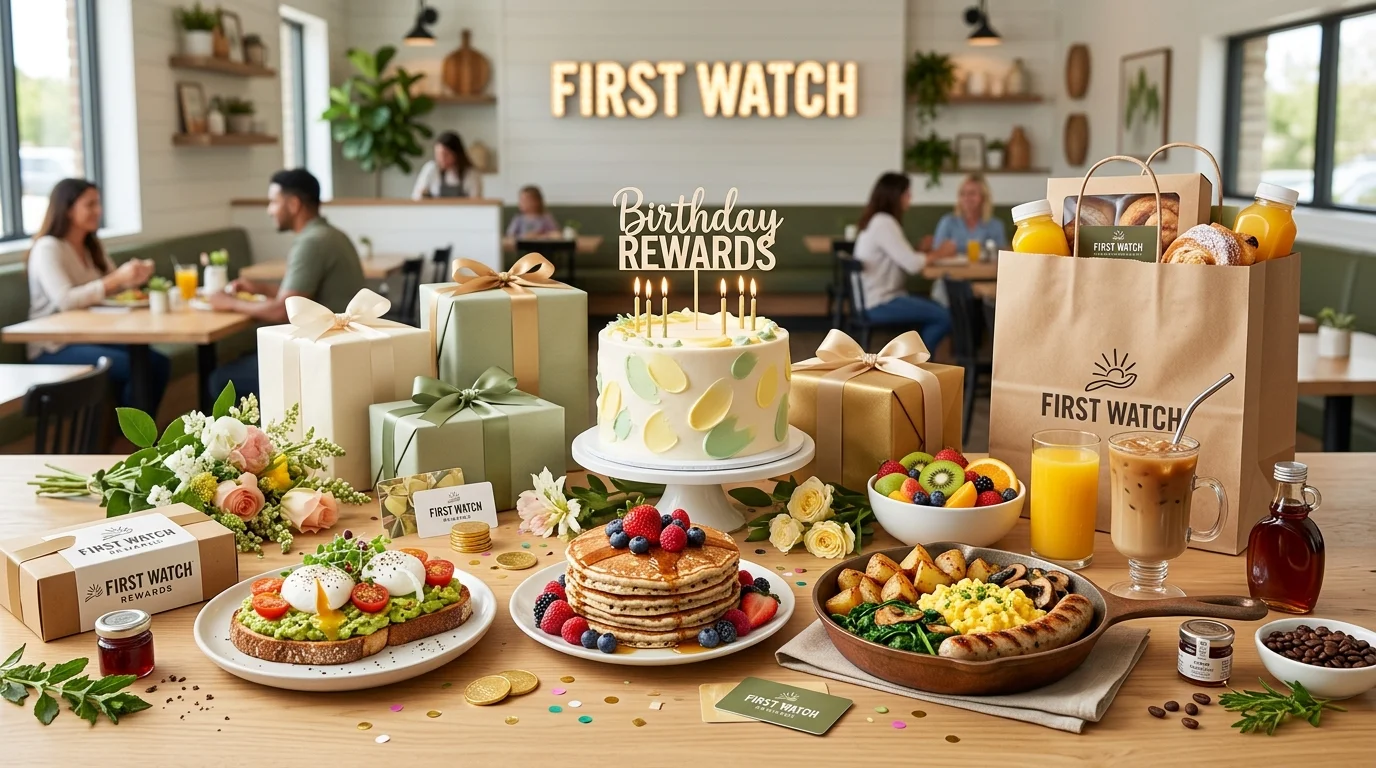
The reward comes through the Sun eClub, First Watch’s free email rewards program. You can also access it through the First Watch App. No points to track. No tiers to climb. Just sign up, add your birthday, and a birthday coupon lands in your email when your month arrives. First Watch keeps it refreshingly simple.
What Is the First Watch Birthday Reward?
The First Watch birthday reward is a buy one, get one free (BOGO) entrée you get a free breakfast, brunch, or lunch entrée when you purchase one at participating First Watch locations. It’s delivered via email during your birthday month, and you must click “Claim My Free Gift” in the email to activate your coupon.
Here’s what most people miss: the coupon doesn’t start the clock when it arrives in your inbox. It starts when you click the claim link. That gives you a full month from the day you activate it so read the email carefully before clicking if you want to time your visit right.
What you get:
- A free entrée with the purchase of one additional entrée (BOGO)
- Applies to any breakfast, brunch, or lunch entrée on the menu
- Delivered by email during your birthday month
- Also accessible via push notification or in the First Watch App
- Valid at participating First Watch locations
| Feature | Details |
|---|---|
| Program Name | Sun eClub / First Watch App |
| App Name | First Watch App (iOS and Android) |
| Birthday Reward | Free entrée with entrée purchase (BOGO) |
| Delivery Method | Email + app push notification |
| Valid Period | One month after activating the claim link |
| Purchase Required | Yes one entrée purchase required |
| Cost to Join | Free |
| Redeem | In-store by showing server the coupon |
How the First Watch Birthday Reward Works
During your birthday month, First Watch sends a birthday email to your registered address. The email contains a “Claim My Free Gift” link. When you click it, your BOGO coupon is activated and a one-month clock starts.
The coupon is presented to your server at your table either the printed version or the digital version shown on your phone. No scanning required. No app QR code needed. Just show it when you’re ready to order.
Practical tip: Don’t click the claim link until you’re ready to use the reward soon. Once you activate it, the one-month window begins. If you click it on the first day of your birthday month and forget, it may expire before you visit.
How to Get the First Watch Birthday Reward
Setup is quick. You have two routes the Sun eClub email program or the First Watch App. Both deliver the same birthday reward.
Step 1: Sign up for the Sun eClub or download the First Watch App Visit firstwatch.com and join the Sun eClub by entering your email, name, birth month and day, and favorite First Watch location. Alternatively, download the First Watch App free from the Apple App Store or Google Play and create an account there.
Step 2: Enter your birth month and day First Watch asks for your birth month and day — not your full birth year. This is what triggers the birthday email. Don’t skip this step or your birthday reward will never arrive.
Step 3: Check your email for a welcome bonus After signing up, watch for a welcome email. New members often receive a free juice, shareable item, or BOGO entrée just for joining — separate from the birthday reward. Use it before it expires.
Step 4: Watch for your birthday email during your birth month First Watch sends your birthday coupon during your birthday month. Check your primary inbox, promotions tab, and spam folder around the start of your birthday month.
Step 5: Click “Claim My Free Gift” when you’re ready to visit This activates your coupon and starts the one-month countdown. Time your click wisely click it when you’re planning to go to First Watch in the coming days or weeks.
Step 6: Show the coupon to your server at the table Pull up the coupon on your phone or print it out. Present it to your server before you order. They’ll apply the BOGO discount to your check.
| Step | Action |
|---|---|
| 1 | Join the Sun eClub at firstwatch.com or download the First Watch App |
| 2 | Enter your birth month and day during sign-up |
| 3 | Look for your welcome bonus in your inbox |
| 4 | Watch for your birthday email during your birthday month |
| 5 | Click “Claim My Free Gift” when you’re ready to visit |
| 6 | Show the coupon to your server to redeem |
How to Redeem the First Watch Birthday Reward
Redemption at First Watch is refreshingly low-tech. No app scanning, no loyalty card to tap. Here’s how each option works.
In the App: If you signed up through the First Watch App, your birthday offer will appear via push notification and within the app’s offers section. Tap to activate and bring it up on your screen at the table.
By Email: Open your birthday email, click “Claim My Free Gift” to activate the coupon, then show the email coupon to your server. You can pull it up on your phone no printing required at most locations.
In-Store: First Watch is dine-in focused. There is no drive-thru. Present your coupon to your server before placing your order. The discount applies automatically to the lower-priced entrée of the two.
Key restrictions:
- Requires the purchase of one additional entrée not completely free with no purchase
- Valid at participating First Watch locations most franchise and corporate locations accept it
- Cannot be combined with other promotional offers or coupons
- Non-transferable it’s tied to your registered account
- Reward may vary by location some franchise locations set their own terms
How Long Does the First Watch Birthday Reward Last?
Once you click the “Claim My Free Gift” link in your birthday email, the coupon is valid for one month. That’s a generous window plenty of time to plan a birthday brunch without rushing.
The smart move is to wait until you’ve already made your reservation or plan to visit before clicking the link. Once activated, set a phone reminder for two weeks out so you don’t forget to use it before it expires.
Why You Didn’t Get the First Watch Birthday Reward
Your birthday came and went with no email in sight. Here’s what typically goes wrong and how to fix it for next year.
Common reasons:
- You didn’t enter your birth month and day during sign-up
- The birthday email landed in your spam or promotions folder
- You signed up too recently for the system to process your first birthday
- Your favorite First Watch location isn’t a participating location
- You clicked “Claim My Free Gift” too early and the coupon expired before your visit
Easy fixes:
| Problem | Fix |
|---|---|
| No birthday in profile | Add your birth month and day in account settings |
| Email went to spam | Check spam, promotions, and “All Mail” folders |
| Coupon expired | Don’t click claim until you’re ready to visit |
| Signed up too late | Sign up at least a few weeks before your birthday month |
| Location not participating | Call your local First Watch to confirm they accept birthday coupons |
| Still nothing | Contact First Watch customer support through firstwatch.com |
Tips to Maximize Your First Watch Birthday Reward
- Use the BOGO on higher-priced entrées. The coupon gives you the lower-priced entrée free. Order two premium items like A.M. Superfoods Bowls or a seasonal special and you’ll save more than ordering two basic breakfasts.
- Time your claim click strategically. Don’t click “Claim My Free Gift” until you’re actively planning your visit. The month-long window gives you flexibility use it.
- Sign up for both Sun eClub and the app. The app gives you push notifications so you don’t miss the birthday alert even if the email gets filtered.
- Bring a friend. The BOGO requires an entrée purchase so you need someone to dine with (or order two entrées yourself and take one home). Plan your birthday brunch accordingly.
- Check your welcome bonus first. New members often receive a separate BOGO or free item just for signing up. Use that before your birthday reward to maximize your total savings.
- Enable push notifications on the app. First Watch may also deliver your birthday offer via notification turning notifications on ensures you catch it even if email filters it.
Read: Old Navy Birthday Reward
Read: KFC Birthday Reward
Read: Denny’s Birthday Reward
Read: Buffalo Wild Wings Birthday Reward
Read: Chipotle Birthday Reward
Read: Chili’s Birthday Reward
Frequently Asked Questions
Conclusion
Sign up for the Sun eClub at firstwatch.com or download the First Watch App, add your birth month and day, and the First Watch birthday reward will arrive automatically in 2026 with a generous BOGO entrée for your birthday brunch. Wait to click “Claim My Free Gift” until you’re ready to visit and order something warm, fresh, and worth celebrating. Your birthday deserves a proper sit-down meal, and First Watch delivers exactly that.