KFC Birthday Reward: Free Gifts 2026, How to Claim it
Quick Answer
- KFC gives a free birthday treat (free food item or special offer) to KFC Rewards members
- Download the KFC app, create an account, add your birthday the reward appears in the app
- Valid during your birthday month redeem via the KFC app, online, or in-store
If you love KFC, your birthday is the perfect excuse to treat yourself to something finger lickin’ good for free. The KFC Birthday Reward is a special offer sent to KFC Rewards members during their birthday month, and in 2026, it’s still one of the tastiest freebies in fast food. No stamps, no hoops just crispy chicken and a birthday surprise waiting in your app.
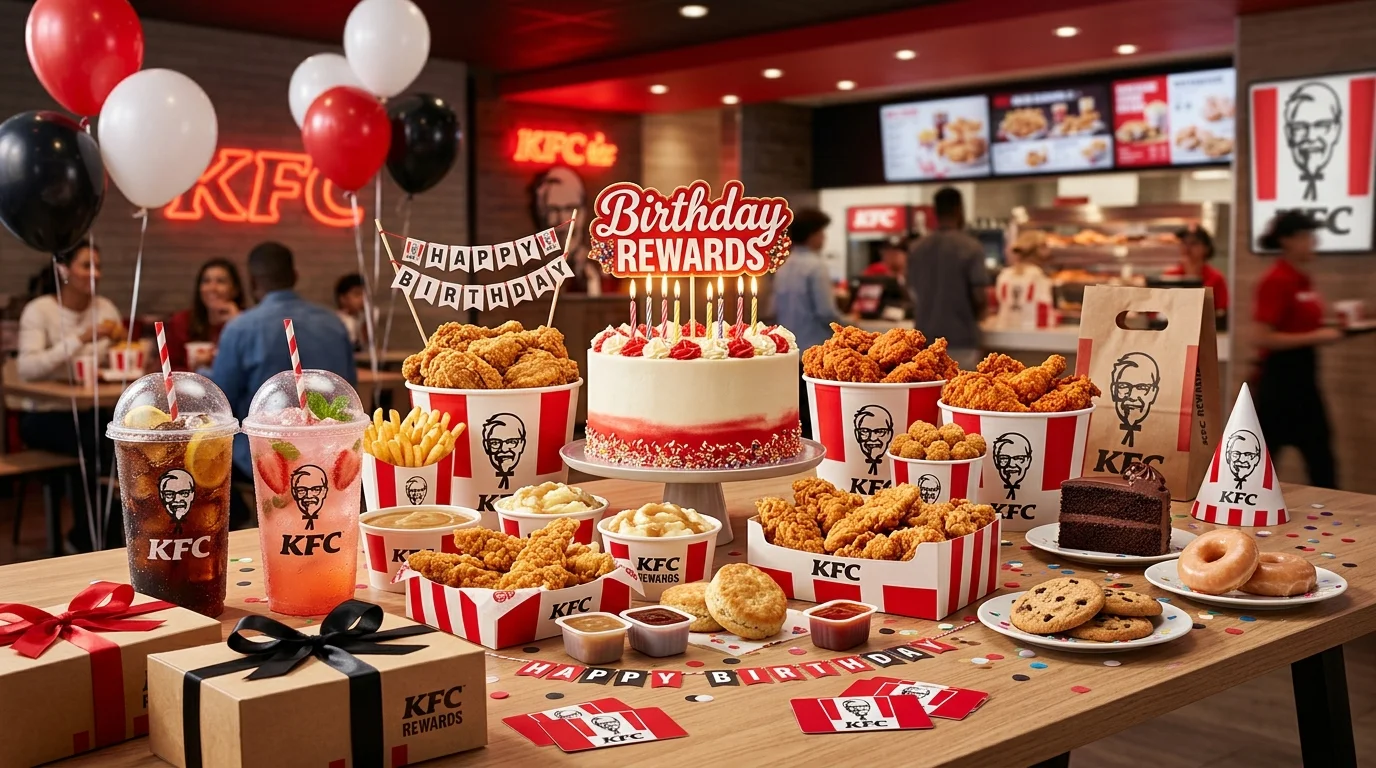
Getting your birthday treat takes about two minutes to set up. Download the KFC app, create your Rewards account, add your birthday to your profile, and the offer appears automatically when your birthday month arrives. KFC keeps the process simple sign up once, and the reward comes back every year.
What Is the KFC Birthday Reward?
The KFC Birthday Reward is a personalized birthday offer sent to KFC Rewards members close to or during their birthday month. The specific reward varies by location and current promotions, but it typically includes a free menu item such as a side dish, biscuit, popcorn chicken, or a similar treat.
What You Usually Get
- A free food item such as popcorn chicken, a biscuit, a side dish, or similar
- Sometimes bonus points added to your Rewards account
- Occasionally a discount coupon or special promotional offer
- The exact item rotates and varies by location and current promotion always check your KFC app for the active offer in your area
| Feature | Details |
|---|---|
| Program Name | KFC Rewards |
| Birthday Reward | Free food item or special offer (varies by location) |
| Cost to Join | Free |
| When It Arrives | During your birthday month |
| Delivery Method | KFC app + email notification |
| Redemption | Via KFC app, KFC.com, in-store, or drive-thru |
| Points System | 10 points per $1 spent on eligible orders |
Because KFC is a franchise system, the exact birthday reward may vary by location. Always check your KFC app during your birthday month for the specific offer available to you.
How the KFC Birthday Reward Works
The birthday reward is delivered through the KFC app and associated KFC account. When you add your birthday during account setup, KFC automatically sends a special offer close to your birthday date. You’ll see the reward in your Rewards tab and may also get an email alert.
The program runs on a 10 points per $1 spent basis. You earn points on every qualifying app or website order, then redeem them in the Secret Recipe Vault KFC’s rotating catalog of free food. The birthday reward is separate from your points balance and arrives as a dedicated birthday-month offer.
How to Get the KFC Birthday Reward
Here’s exactly how to set up your account and make sure your birthday treat shows up:
- Download the KFC app (iOS or Android) or go to KFC.com. The KFC Rewards program lives in the app and on the website both work, but the app is the easiest way to track and redeem your birthday offer.
- Create a free KFC Rewards account. Tap “Sign Up” and enter your email address and a password. You’ll get a verification email confirm it to activate your account. Joining is completely free.
- Add your birthday to your profile. Once your account is set up, go to your profile settings and enter your date of birth. This is the trigger for your annual birthday reward skip it and no offer will be generated.
- Earn your signup bonus. New KFC Rewards members receive 50 bonus points just for joining. Every qualifying order through the app or website then earns you 10 points per $1 spent.
- Watch for your birthday reward in your Rewards tab. During your birthday month, your special offer will appear in the Rewards section of the KFC app. You may also receive an email notification when it goes live.
- Redeem it before it expires. Birthday offers are valid for a limited time during your birthday month. Open the offer in the app and use it on your next visit don’t let it lapse.
How to Redeem Your KFC Birthday Reward
Three ways to use your birthday treat all easy:
In the KFC App: Open the app, navigate to the Rewards tab, and tap your birthday offer to activate it. When you’re ready to order, the discount or free item will apply to your cart automatically at checkout. This is the fastest and most reliable method.
Online at KFC.com: Sign in to your KFC Rewards account on KFC.com, place your order, and apply the birthday offer at checkout. Make sure you’re signed in before you start building your order points and offers only apply to logged-in accounts.
In-Store or Drive-Thru: At the counter, kiosk, or drive-thru, open your KFC app and scan your Rewards QR code. This links your order to your account and applies your birthday reward. You can also give your registered email address to the cashier at participating locations.
Note: Birthday rewards apply only to qualifying orders through the app, KFC.com, or with a scanned Rewards account in-store. Guest checkout does not earn or apply rewards. One reward per transaction.
Why You Didn’t Get the KFC Birthday Reward
Didn’t see a birthday offer in your app? Here’s what usually causes it:
- Your birthday isn’t saved in your profile the reward won’t generate without it
- You ordered as a guest only signed-in Rewards accounts receive birthday offers
- You’re not opted into notifications enable push notifications so you don’t miss the alert
- The reward hasn’t activated yet some birthday offers load mid-month, not necessarily on day one
- Your app needs updating an outdated KFC app can cause rewards to display incorrectly
- Location doesn’t participate birthday rewards may vary by participating location
| Problem | Fix |
|---|---|
| No birthday offer in app | Confirm birthday is saved in your account profile |
| Always ordering as guest | Sign in before every order — rewards don’t apply retroactively |
| Offer not showing | Update the KFC app; log out and log back in |
| Reward expired | Check app for current offers; contact KFC support if needed |
| Points not appearing | Add receipt manually within 7 days via the Rewards tab |
The good news: once you set up your profile correctly, the reward regenerates automatically every year without any extra effort.
Tips to Maximize Your KFC Birthday Reward
- Sign up before your birthday month give your account time to register your birthday and generate the offer before the month starts
- Enable push notifications the app alerts you the moment your birthday offer is active, so you never miss the window
- Combine your birthday visit with a double-points event KFC occasionally runs 2X points promotions; ordering during your birthday month stacks the points you earn on that visit
- Check the Secret Recipe Vault before ordering if you have enough points saved up, your birthday visit can net you both the birthday reward AND a free Vault item in a single order
- Use the app QR code in-store scanning at the kiosk or drive-thru is the most reliable way to make sure your birthday offer and points are both applied correctly
- Add your receipt if you forget to sign in KFC lets you submit receipt details within 7 days of purchase to claim points you missed, though birthday offers themselves must be applied at time of order
Read: Buffalo Wild Wings Birthday Reward
Read: Dunkin’ Donuts Birthday Reward
Read: Cracker Barrel Birthday Reward
Read: Chick-fil-A Birthday Reward
Read: Cinnabon Birthday Reward
Read: Cheesecake Factory Birthday Reward
Frequently Asked Questions
Conclusion
The KFC Birthday Reward in 2026 is a free, crispy, finger lickin’ treat waiting for every Rewards member on their special day. Download the KFC app, add your birthday to your profile, and your offer loads automatically each year during your birthday month. Open your Rewards tab early and redeem it before it expires pairing it with a double-points event makes the visit even more rewarding. Your birthday deserves a celebration, and KFC is happy to help start it off right.